
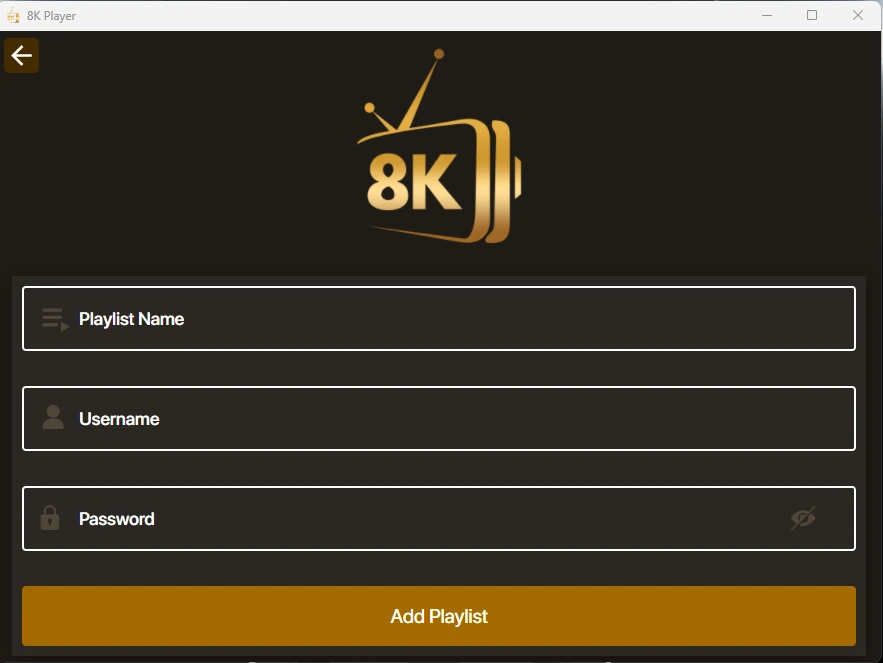
Choose the account route
A player can ask for a playlist URL, separate server/username/password fields, or a device activation method. Use the route supported by the app. A local playlist name can be a friendly label, while the actual login fields must match the account.
Cloud, KSA and other selector entries are routes shown inside particular player families. The server profile guide lists those names without treating them as separate apps.
Keep the server address intact
Include the address scheme and any port supplied with the server URL. Do not replace a server hostname with the public website address just because both belong to a viewing enquiry.
Avoid adding spaces at the beginning or end of a field. If a password contains upper- and lower-case letters, preserve them. A player’s show-password control can help you inspect a field privately.
Protect the full playlist link
A playlist URL can contain credentials in its path or query string. Treat the full link as a password. Do not paste it into a public search, social post or screenshot.
Once the app is installed, WhatsApp us for a one-day free trial. Support provides the account route to use; the download code alone cannot supply it.