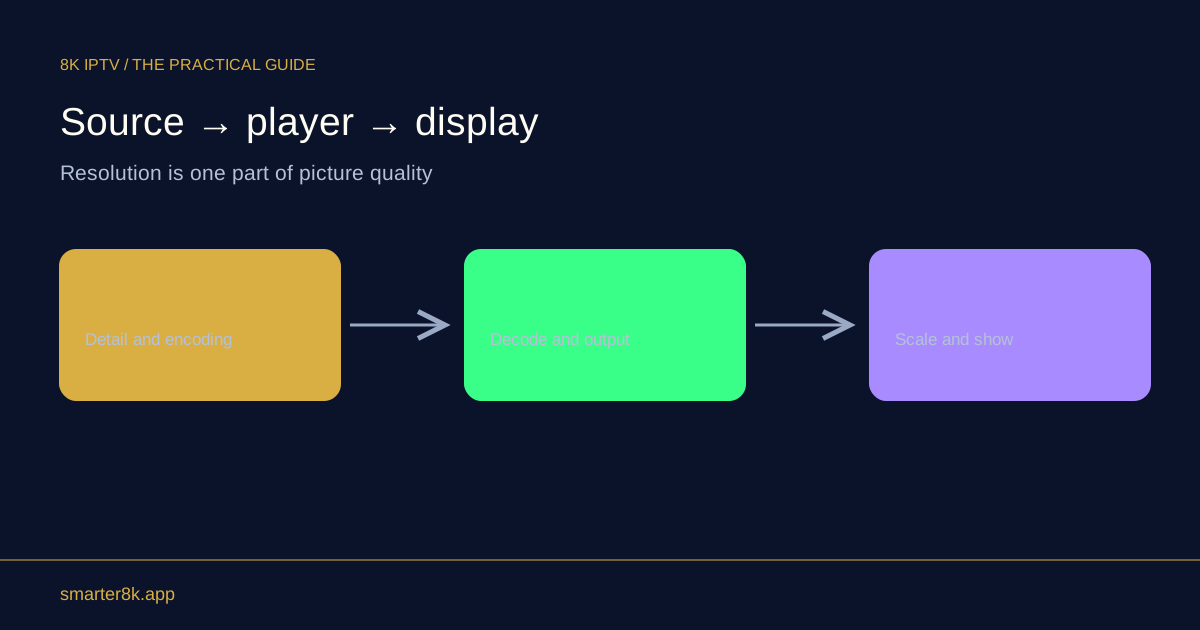
Screen mirroring sends a representation of the device’s display, while casting can hand playback to a receiver using a different route. Implementations vary, and neither method guarantees every app or protected title will work. The receiver, source format and local connection can all affect quality and timing.
Identify what the receiver is doing
If the television shows the phone’s menus and notifications, you are likely seeing a mirrored interface. A receiver playing independently may continue while the phone shows controls rather than the full video. Use the platform’s current documentation because app support and terminology differ across devices.
Compare the same authorised programme
Keep the source and viewing route clear. Mirroring can add scaling, compression or delay, while receiver-based playback depends on its own decoder and network access. A difference does not necessarily mean the original programme changed quality. Test normal audio sync and controls as well as a static picture.
Protect private information
Mirroring can expose notifications and other on-screen content to everyone watching. Use supported privacy controls and avoid opening account details during a shared session. If a title is blocked or shows a black screen, follow the app’s supported playback options rather than searching for a method to bypass its protection.