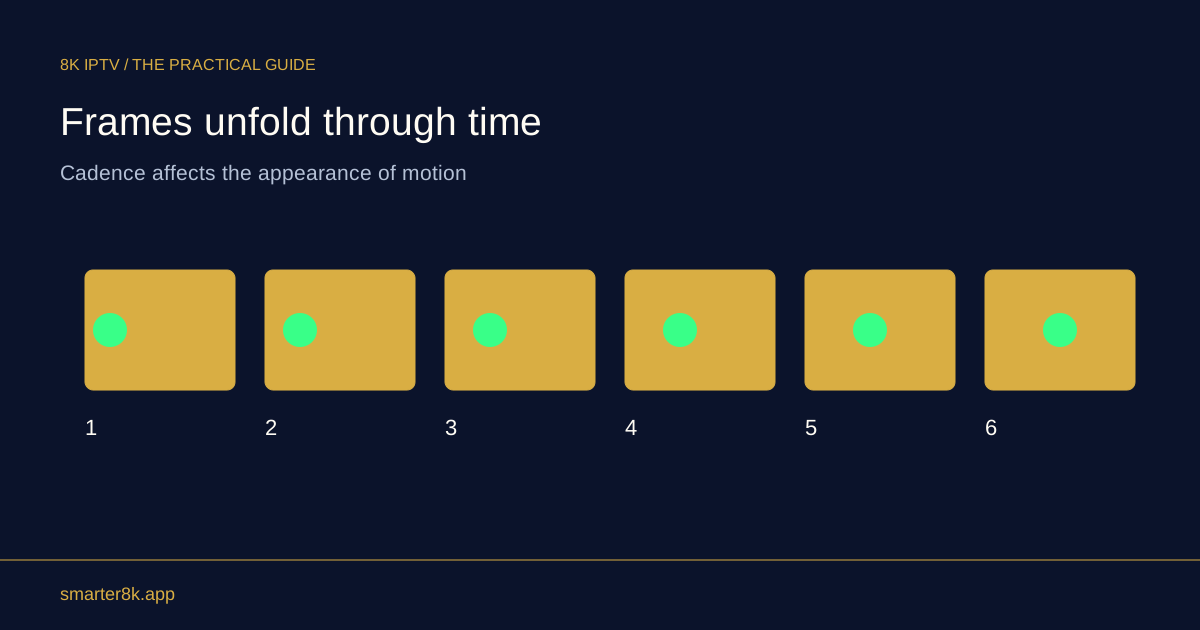
Automatic matching can let the television handle scaling and reduce unnecessary conversion, but it may also cause brief blank screens when the output changes. A fixed compatible mode is simpler. The better choice depends on the box, television and programmes you watch.
Identify which matching feature you mean
Resolution matching and frame-rate matching are separate settings. One changes picture dimensions; the other changes output timing. A device may support one without the other, and an app may not request either. Read the options carefully rather than treating every automatic-video setting as the same feature.
Try mixed sources deliberately
Use one HD programme, one higher-resolution sample and a film with a different frame rate if available. Observe both the picture and the transition between them. If every channel change causes a long interruption, a fixed resolution with sensible frame-rate behaviour may suit live television better.
Keep a recovery route
Before selecting an unusual output mode, learn how your device reverts an unsupported setting. Use the confirmation countdown if provided and do not approve a mode while the screen is unreadable. If the television loses the picture, consult the device’s documented display-reset method rather than repeatedly unplugging random cables. Test a fresh playback session before deciding that a saved option is reliable.