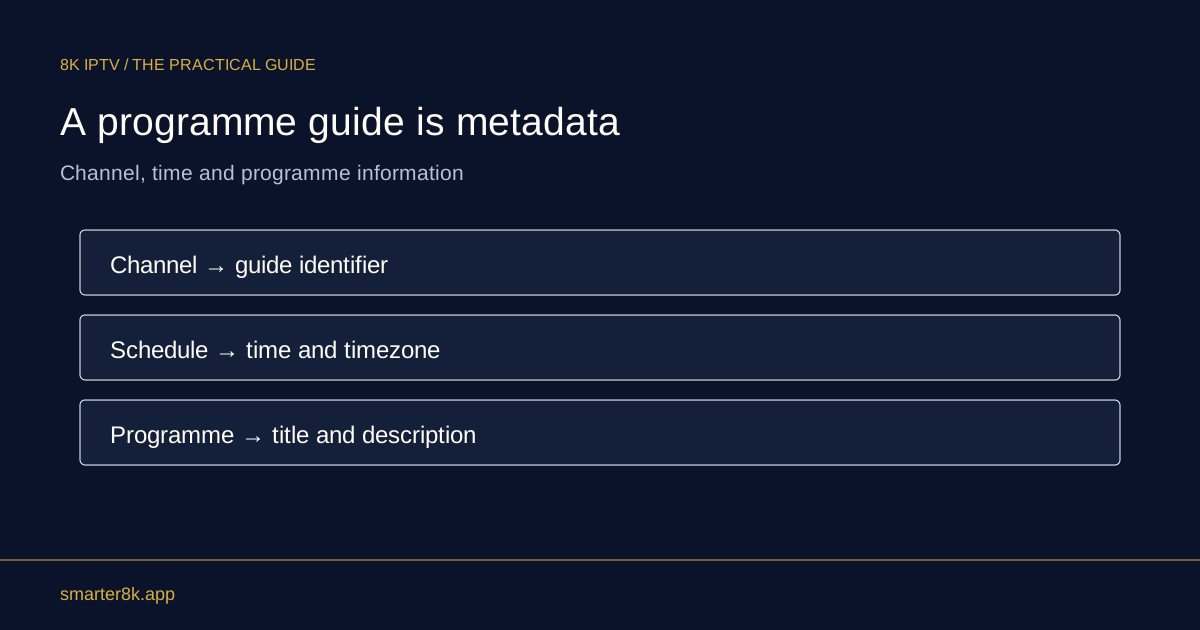
The video source and electronic programme guide are separate resources. Playback can work while guide data is missing, stale or mapped incorrectly. Investigate the guide source and time settings without assuming the media connection has failed.
Check the guide update
Use the player's supported EPG refresh and note its completion or error. A large guide can take time to download and process. Avoid repeatedly starting another import before the previous one finishes.
Inspect time and mapping
A correct device clock and time zone help the guide display at the intended time. If only one channel lacks listings, its guide identifier may not match the available data. That needs a mapping correction rather than a faster router.
Keep playback available
There is usually no reason to delete a working account profile solely because listings are absent. Report the affected channel, displayed time and guide behaviour. The provider can distinguish a missing schedule from a video-source problem.