
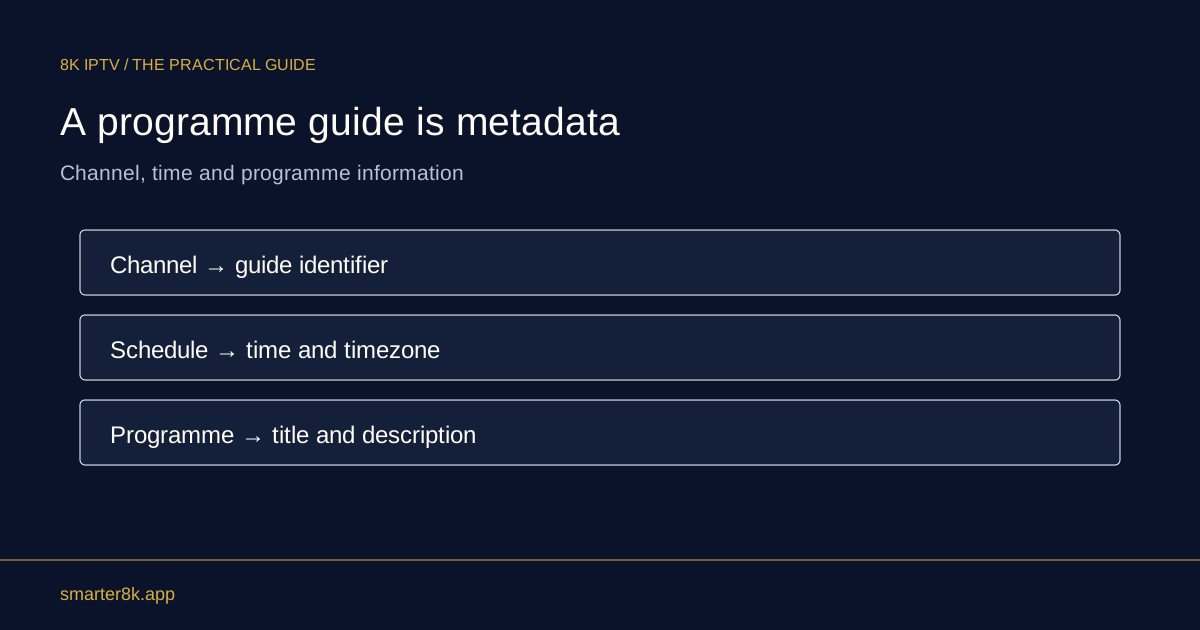
First decide whether the channel is wrong, the programme label is wrong or the displayed time is shifted. These are different faults. A correct stream can appear beside outdated guide information, especially during live overruns or sudden schedule changes.
Compare what is actually playing
Look for the channel’s on-screen name or presentation and note the programme you can identify. If the channel itself is correct but its guide names something else, say that explicitly. Repeatedly reinstalling the player does not necessarily help a data-mapping issue. A short observation of the programme sequence can also distinguish normal repeated news reports from a genuine playback loop.
Look at the scale of the mismatch
If every programme is displaced by the same amount, time settings or a guide offset may be involved. If only one channel’s titles are wrong, a channel-to-guide association is more plausible. If a sporting event is simply continuing after its planned finish, the broadcaster may have changed the schedule. These observations narrow the issue without requiring you to expose account details.
Send a concise support example
Include the channel name, actual local time, guide title and programme visible on screen. Add your device and player name. Use a screenshot only when it excludes usernames, passwords and account-specific URLs. One clear example is more actionable than a large collection of screens or a general statement that nothing matches.