The supplied download entry
The source lists a separate filename ending Windows11.exe. Choose this entry for the Windows 11 route rather than assuming the Windows 10 file and this file are identical.
Open the source-listed download
The final destination, signature and current availability were not independently verified.
Before opening the account
Windows may show a reputation or publisher warning for an unfamiliar installer. Review that information and ask support to confirm the expected package before proceeding.
Player installation and subscription activation are separate. Once a compatible player is installed, WhatsApp support for a one-day trial and the correct account format.
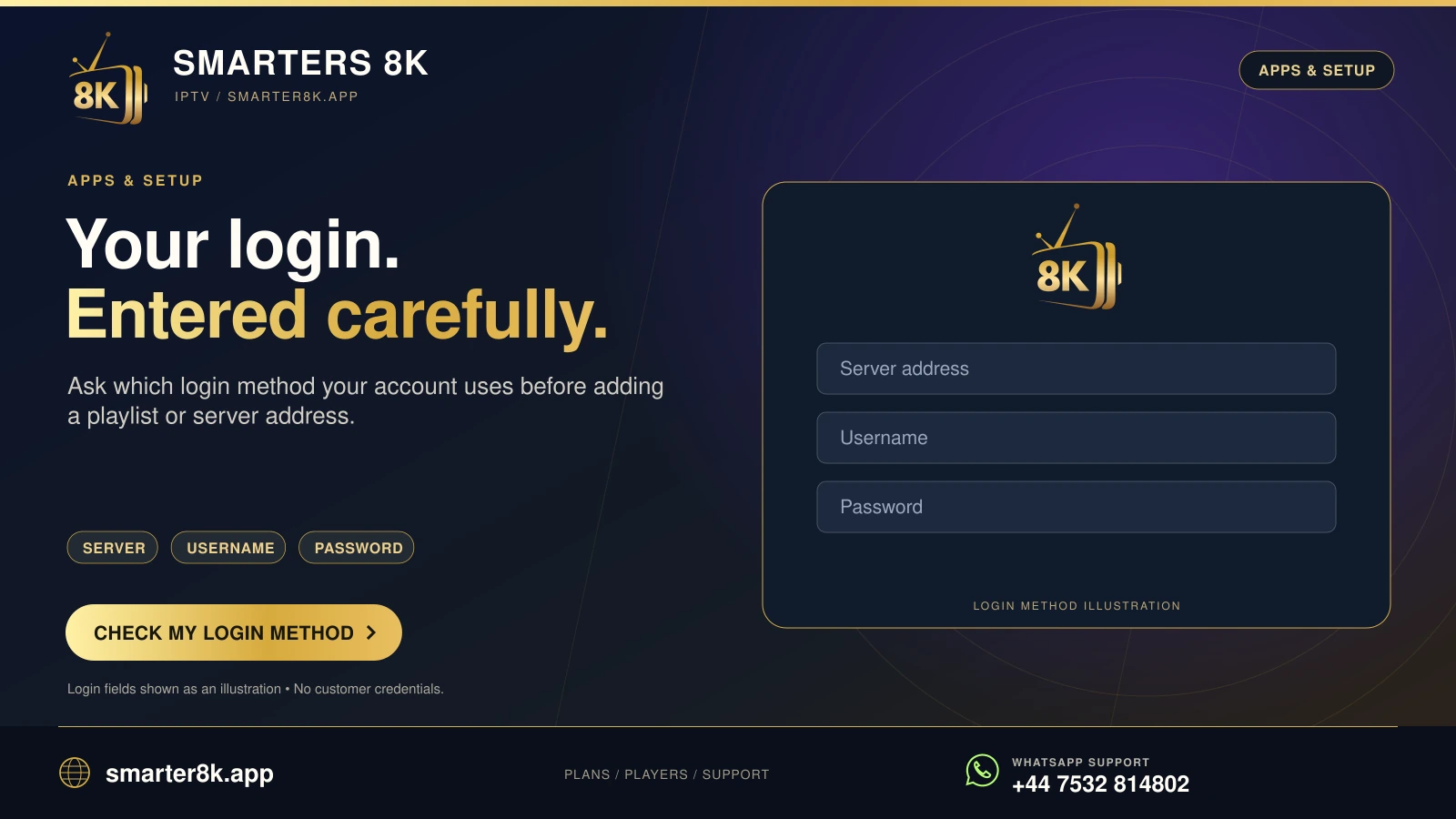
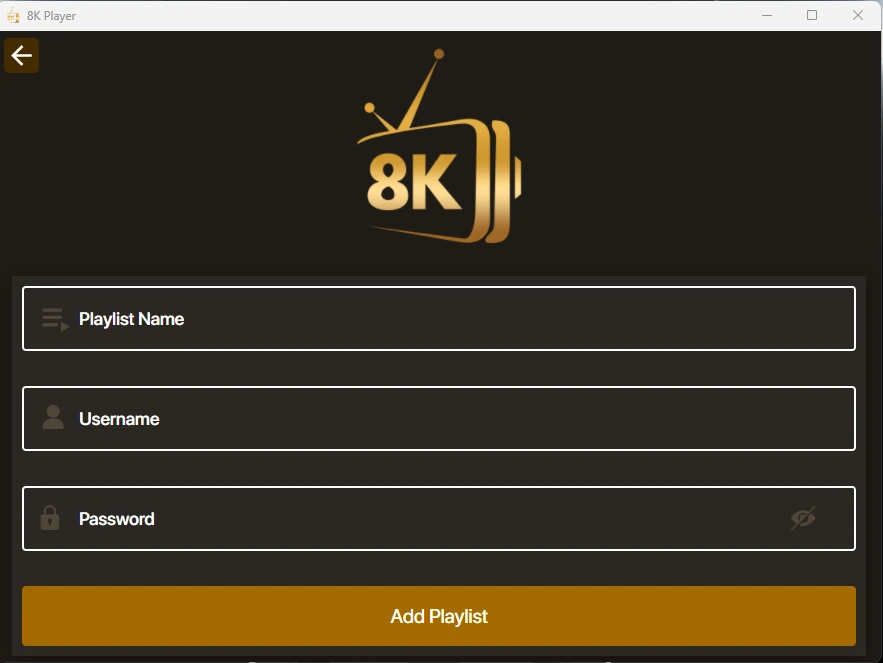
Add your own playlist or login
Use the server URL, username and password assigned to your account where those fields appear. A playlist name is usually a local label that helps you identify the account; it is not a replacement for the actual credentials.
If an account was already used on another device, close its active playback before testing here when the simultaneous connection allowance is limited.
A practical first session
Start with the normal windowed view, set a comfortable volume and explore the available categories. On a computer connected to a television, the audio output may change from laptop speakers to HDMI.
For a login problem, note the exact error and your operating system. For a playback problem, include whether the app opened, the category loaded and another programme worked.