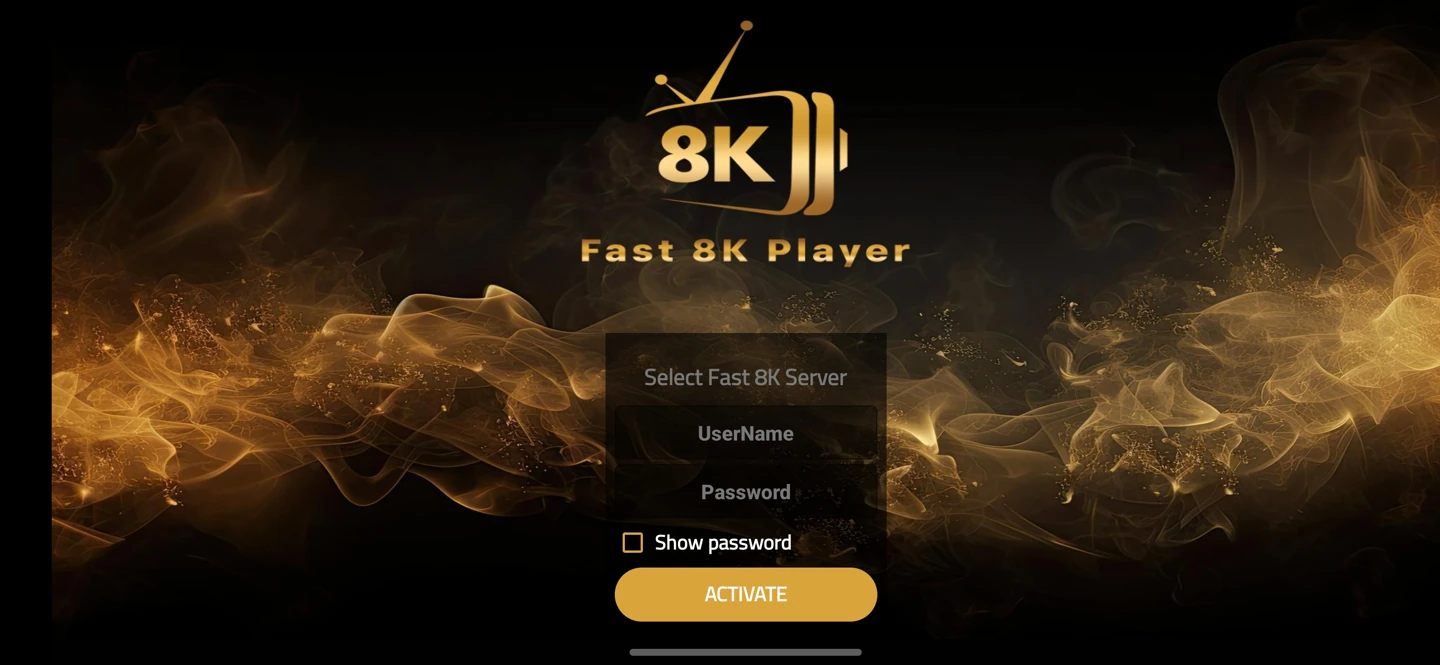
About Fast 8K Player
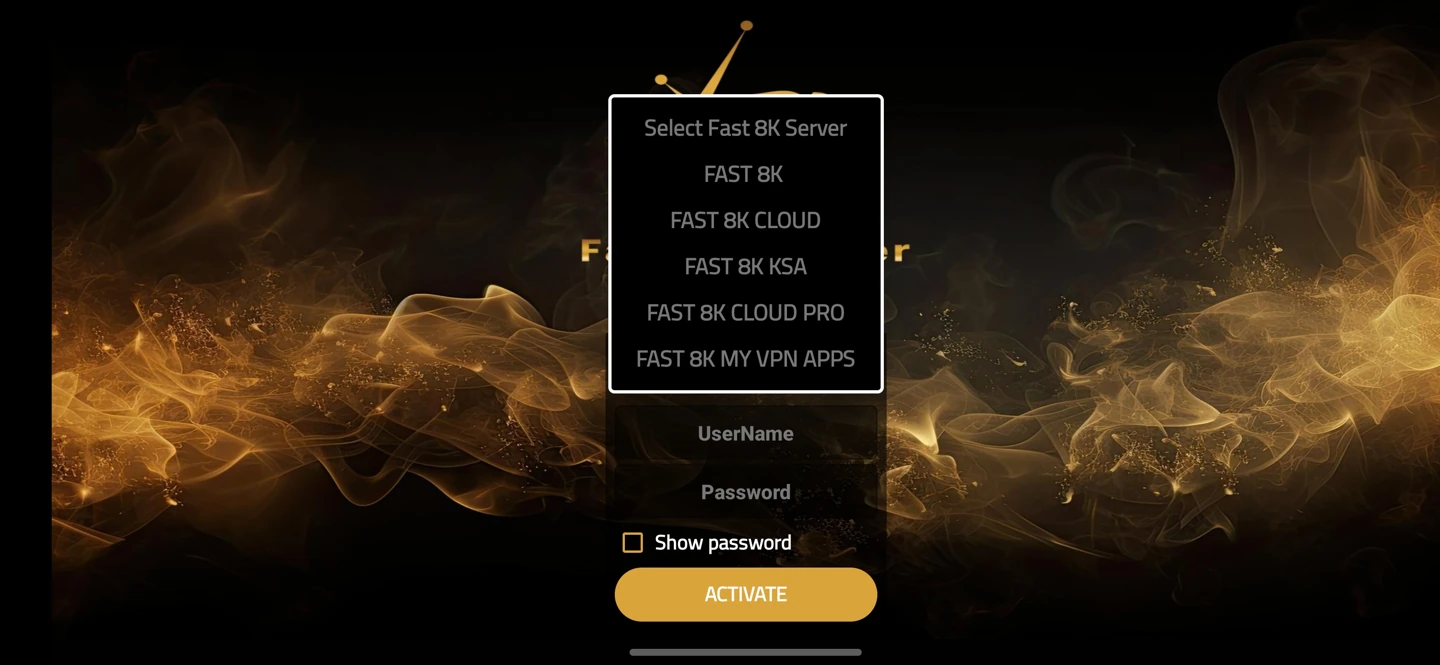
The supplied selector lists Fast 8K, Cloud, KSA, Cloud Pro and My VPN Apps options. Choose the route assigned to your account; changing the label does not create access to a different service.
Use the account method shown by the installed app. Some players ask for a server choice and username/password; others use a playlist address or an activation route. Those fields are not interchangeable.
Install on the matching operating system
Check the device model and operating system before opening the download. Android packages are not native iOS, Roku, webOS, Tizen or macOS applications. Fire TV models can run Fire OS or Vega OS, which use different package formats.
If an installer requests unexpected permissions or shows a different application name, stop and ask support to identify it. Keep your operating system’s security checks enabled.
Add your trial account
After installation, send your device and app name to WhatsApp support. Select the assigned server profile if the player displays one, then enter the supplied login exactly. Copying a space into a password can prevent a valid account from connecting.
For this player family, read the server choices before switching between Cloud or other labels.
If the first login fails
Note whether installation failed, the account was rejected or the player opened but could not load categories. These are different stages. Send a short description rather than repeatedly reinstalling the same app.
Keep passwords, full playlist links, activation keys and device identifiers out of public screenshots. The login help guide explains what to include in a private support request.