
Install your player · WhatsApp us for a one-day free trial

The 8K IPTV journal

Audio-only entries can belong in a television playlist

An entry may intentionally be an audio-only radio stream, though a missing video decoder can also produce sound without picture. Check the item’s category and compare another source before treating every blank video area as a fault. The context determines which investigation makes sense.

Illustrated guide: Audio-only entries can belong in a television playlist
Why does a playlist item play sound with no video?

An entry may intentionally be an audio-only radio stream, though a missing video decoder can also produce sound without picture. Check the item’s category and compare another source before treating every blank video area as a fault. The context determines which investigation makes sense.

Read the entry and group labels

Radio, music and audio services can be listed alongside television channels in a compatible playlist. An audio-only source does not need a picture to be working correctly. A logo or background image may be interface artwork rather than a video component.

Compare a known television item

If ordinary television entries show video on the same device, an isolated radio entry may be behaving normally. If all video items produce only sound, investigate player format support and rendering instead. Keep those two cases separate in a support message.

Organise for clear navigation

Where supported, place radio favourites in their own local group. That avoids confusing them with television shortcuts during daily use. Do not rename an unfamiliar source as a radio station solely to explain a playback failure; establish what the supplied entry is intended to carry.


Questions about this topic

Does audio-only playback always use less data?
It often can, but actual usage depends on the encoded source. Do not infer a bitrate from the category name alone.
Can a radio entry have programme-guide data?
Yes, where a guide supplies matching listings and the player supports displaying them.

Sources & further reading

Keep reading

Related guides.

Illustrated guide: Picture but no HDMI sound: checking the selected audio path

Picture but no HDMI sound: checking the selected audio path

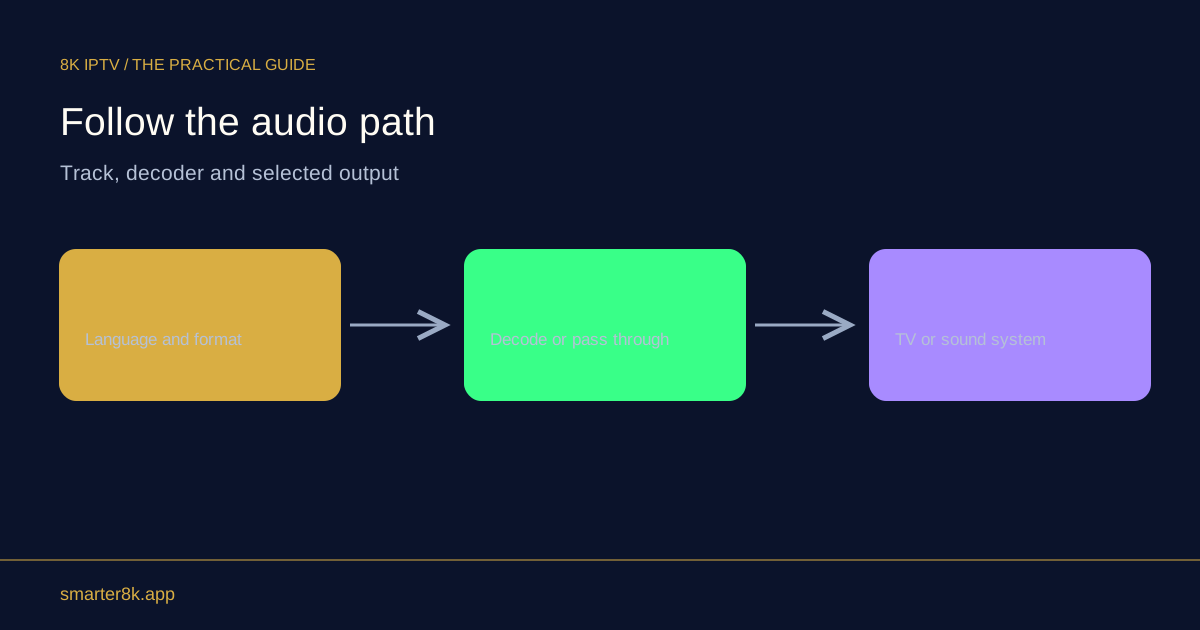
A working picture does not prove the audio format and output route are correct. Check the player’s selected audio output, television mute and volume, active speakers and supported audio format. A receiver or soundbar introduces additional routing and compatibility settings that can affect sound independently of video.

Explore guide ↗

Your next screen starts here

Installed your player?

WhatsApp us for a one-day free trial. Tell us your device and the player you installed so we can help you get connected.

WhatsApp support