

Install your player · WhatsApp us for a one-day free trial

The 8K IPTV journal

Picture but no HDMI sound: checking the selected audio path

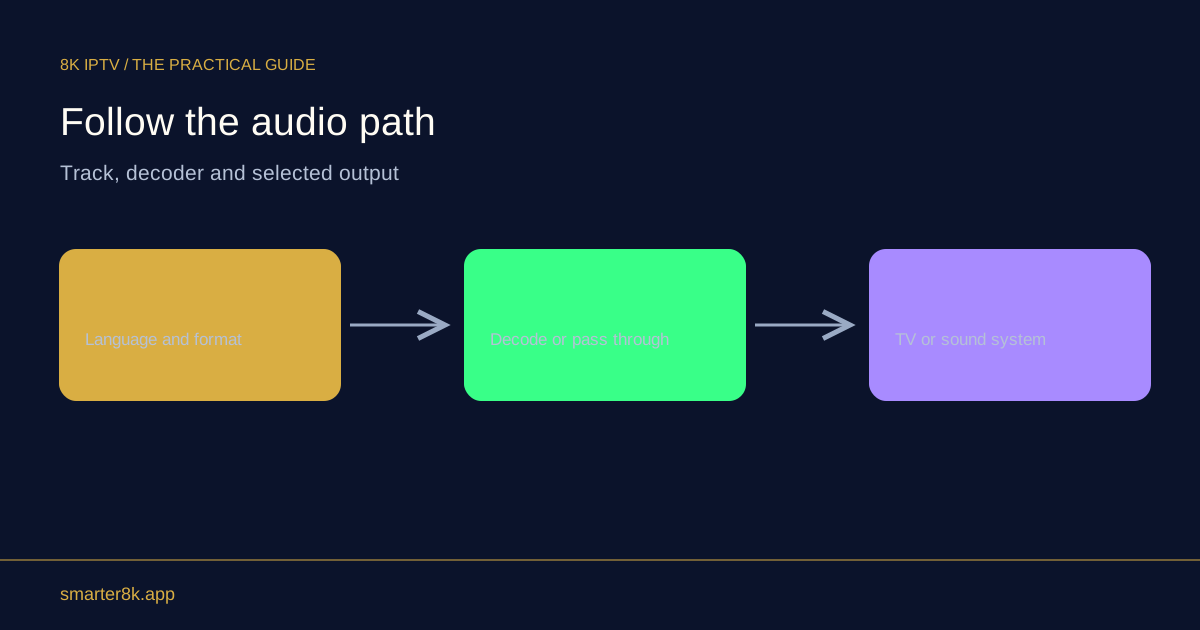
A working picture does not prove the audio format and output route are correct. Check the player’s selected audio output, television mute and volume, active speakers and supported audio format. A receiver or soundbar introduces additional routing and compatibility settings that can affect sound independently of video.

Illustrated guide: Picture but no HDMI sound: checking the selected audio path
Why is the picture working but there is no sound from the TV?

A working picture does not prove the audio format and output route are correct. Check the player’s selected audio output, television mute and volume, active speakers and supported audio format. A receiver or soundbar introduces additional routing and compatibility settings that can affect sound independently of video.

Start with the obvious route

Confirm which device should produce sound: television speakers, receiver, soundbar or headphones. Bluetooth headphones can remain selected after use, and a television may disable its speakers when another output is active. Test a known working system sound or another app without immediately changing the subscription account.

Try a compatible audio mode

If the source uses an audio format the destination cannot decode, a supported PCM or stereo output can be a useful diagnostic comparison. Record the original setting before changing it. Passthrough sends an encoded signal onward and requires the receiving equipment to understand it; it is not automatically the best option.

Inspect the intermediate equipment

Check the receiver input and any ARC or eARC configuration if sound returns from the television. Video and audio can follow different routes, so draw the connections if necessary. Report whether all programmes are silent or only one track, and whether switching the audio language changes the result.
Questions about this topic

Can unsupported audio leave the picture unaffected?
Yes. Video and audio tracks use separate decoding paths.
Does the TV volume control always change receiver volume?
No. That depends on the connection and supported control configuration.

Sources & further reading

Keep reading

Related guides.

Illustrated guide: A black screen on protected video: checking the HDMI path

A black screen on protected video: checking the HDMI path

Protected playback can require a compatible content-protection handshake across the source, display and intermediate equipment. A failure may affect the video even while menus remain visible. Use supported connections and manufacturer guidance; do not treat this as a reason to bypass protection or install unknown software.

Explore guide ↗
Illustrated guide: Audio-only entries can belong in a television playlist

Audio-only entries can belong in a television playlist

An entry may intentionally be an audio-only radio stream, though a missing video decoder can also produce sound without picture. Check the item’s category and compare another source before treating every blank video area as a fault. The context determines which investigation makes sense.

Explore guide ↗

Your next screen starts here

Installed your player?

WhatsApp us for a one-day free trial. Tell us your device and the player you installed so we can help you get connected.

WhatsApp support