Sample rate describes how often a digital waveform is sampled. It is not the same as bitrate, volume or speaker quality. A higher supported number does not automatically improve a source already recorded and encoded at a lower rate, and unnecessary conversion can complicate troubleshooting.
Keep the units separate
A value in kHz counts thousands of samples per second. A compressed bitrate in kbps describes data per second. Bit depth and channel count are additional properties. Mixing these terms can lead to unrealistic bandwidth calculations or the assumption that a louder track must contain a higher-quality format.
Use supported automatic handling
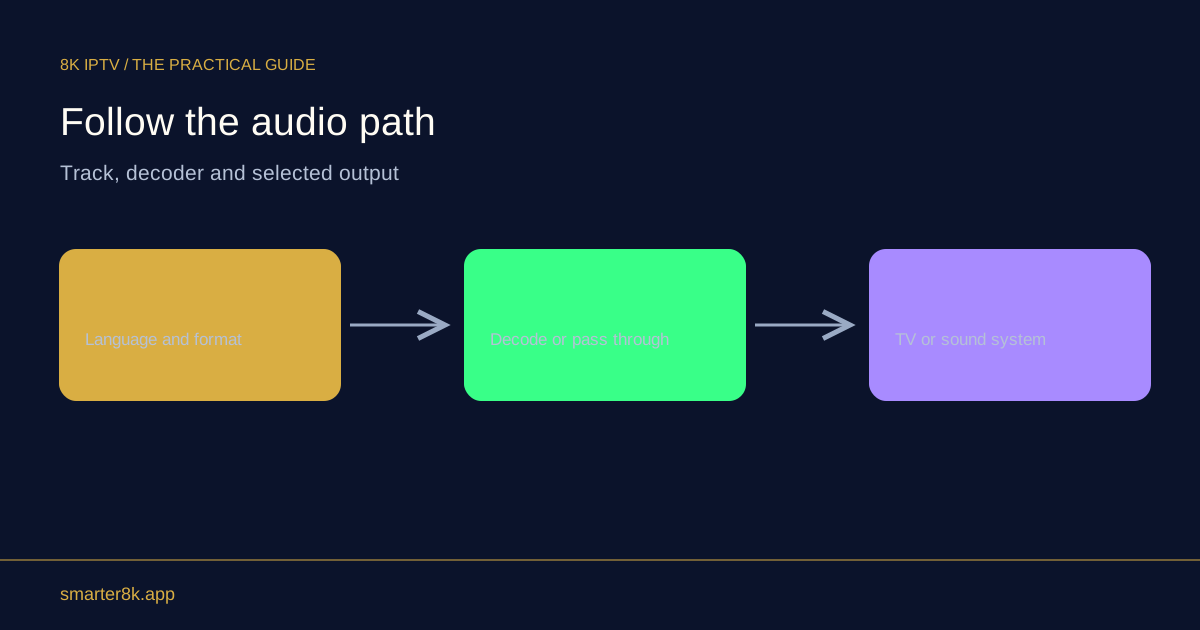
For ordinary playback, a device’s documented automatic audio configuration is a sensible starting point. A receiver should accept the format sent to it, and the player may convert samples as part of normal output. Forcing an unusual rate does not add musical detail missing from the source.
Investigate actual symptoms
If audio crackles, runs at the wrong speed or loses synchronisation, record the source format and output configuration. Compare a known working track before changing multiple system-wide options. On a computer, other applications can also affect the selected output device, so keep the test route stable while collecting evidence.