
Install your player · WhatsApp us for a one-day free trial

The 8K IPTV journal

Avoiding spoilers when watching a delayed event

Decide where results usually reach you and silence those routes before the event starts. Messages, lock-screen notifications, social feeds and even a programme title can reveal the outcome before you open the replay.

Illustrated guide: Avoiding spoilers when watching a delayed event
How can I reduce spoilers before a replay?

Decide where results usually reach you and silence those routes before the event starts. Messages, lock-screen notifications, social feeds and even a programme title can reveal the outcome before you open the replay.

Plan before the result exists

Tell friends you are watching later and ask them to keep scores out of direct messages. Mute the relevant chats and notification previews for the period you need. Waiting until the first alert arrives is too late to preserve a surprise you already read.

Prepare a direct route

Save the authorised replay destination if the service offers one, rather than searching through result-heavy pages afterwards. Be aware that thumbnails, descriptions and highlight titles can reveal key moments. A player’s home page may also surface clips beside the programme you wanted.

Set a realistic boundary

Spoiler avoidance is never perfect. Choose a viewing time you can manage and enjoy the event even if a detail slips through. Do not buy a subscription on an assumed replay feature: establish that the relevant programme and replay window are actually part of the offer first.

Questions about this topic

Can turning off sports-app alerts be enough?
It helps, but group chats, email headlines and social feeds can also reveal results.
Does a live subscription necessarily include a spoiler-free replay page?
No. Replay availability and interface presentation are separate features that need specific confirmation.
What if a friend forgets the spoiler agreement?
Accept that avoidance is imperfect and explain the preference again calmly. The arrangement works best as a practical courtesy, not a guarantee that nobody can accidentally reveal a result through a reaction or notification.

Keep reading

Related guides.

Illustrated guide: Following a sports event across time zones

Following a sports event across time zones

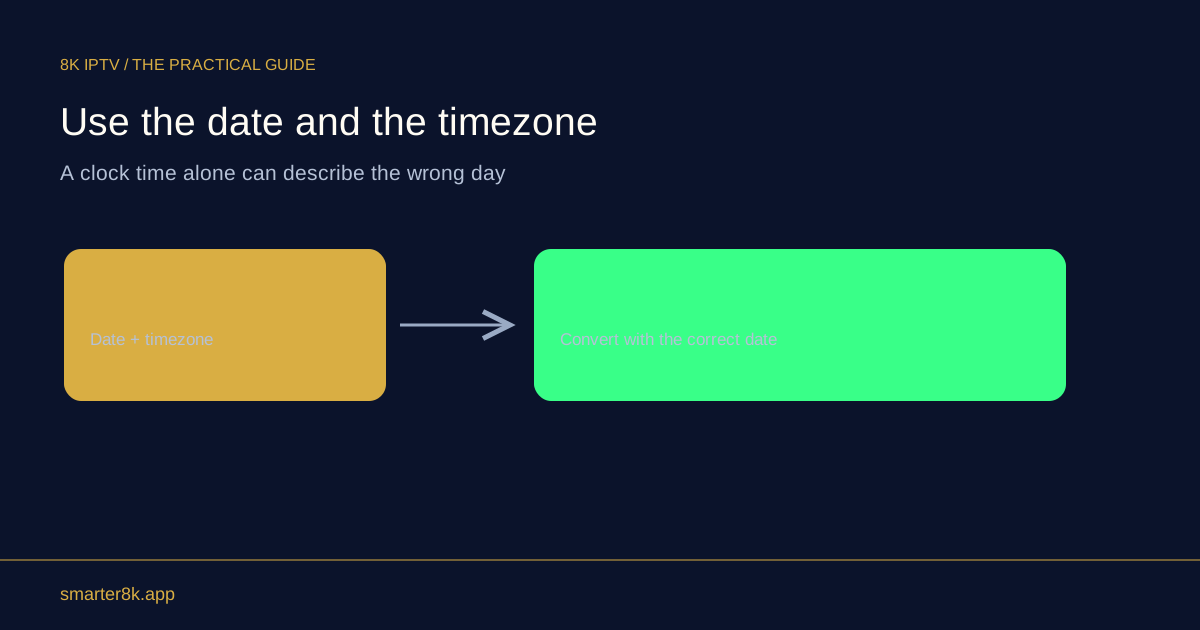
Keep the event’s date, named time zone and session together, then convert it for your location using a reliable calendar. A bare time is easy to misread, especially when the event falls after midnight or either location changes its clocks.

Explore guide ↗
Illustrated guide: Watching on a borrowed or shared device

Watching on a borrowed or shared device

Use only a device and arrangement permitted by the account terms, avoid saving credentials unnecessarily, and remove the account when finished. Shared equipment deserves extra care because the next user may be able to open the same player.

Explore guide ↗

Your next screen starts here

Installed your player?

WhatsApp us for a one-day free trial. Tell us your device and the player you installed so we can help you get connected.

WhatsApp support