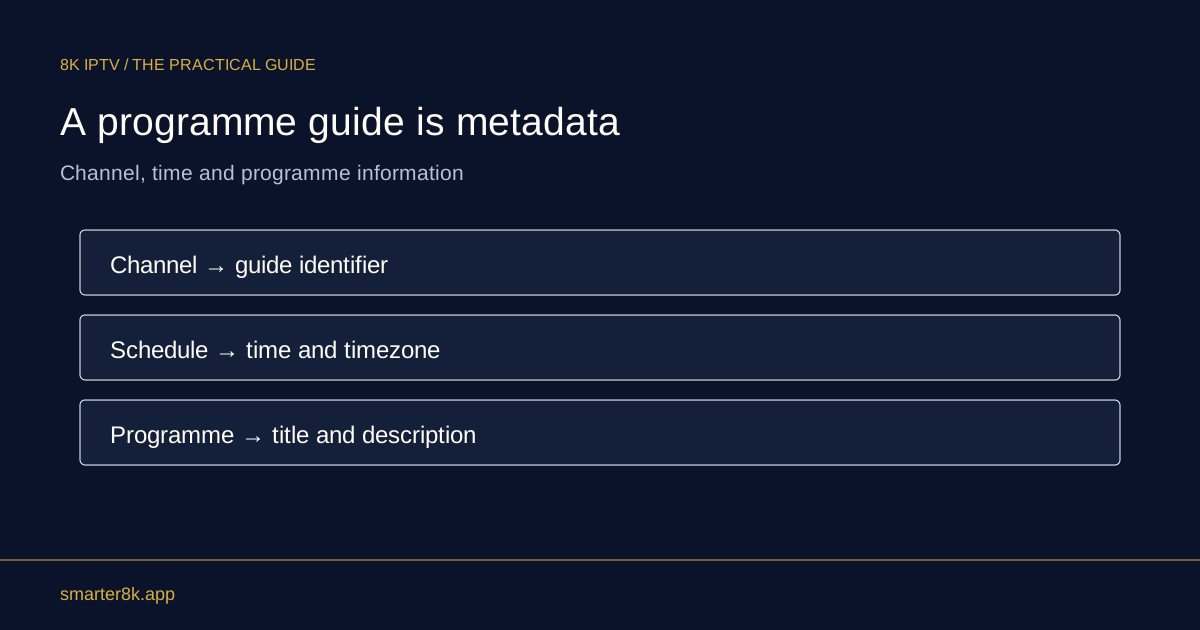
Programme-guide timestamps can include an offset that tells software how the stated time relates to UTC. A compatible player should interpret that information rather than treating every timestamp as local wall-clock time. Manual adjustments can create errors if they duplicate an offset already applied.
Separate storage time from display time
A guide can describe an instant using one offset while the player presents it in your device’s local zone. Those displays can differ in notation while referring to the same moment. Compare a currently airing programme instead of assuming different written times always conflict.
Avoid editing every programme manually
If the entire guide is shifted, first check device time, region and documented EPG offset controls. Rewriting thousands of source timestamps is difficult to maintain and can break daylight-saving transitions. Keep the original file if you are inspecting an authorised local copy.
Explain the offset in support reports
Include your device time zone and whether the mismatch is uniform. A programme starting near midnight can appear on a different calendar date in another region, which is not necessarily a data error. Clear examples make time interpretation easier to diagnose.