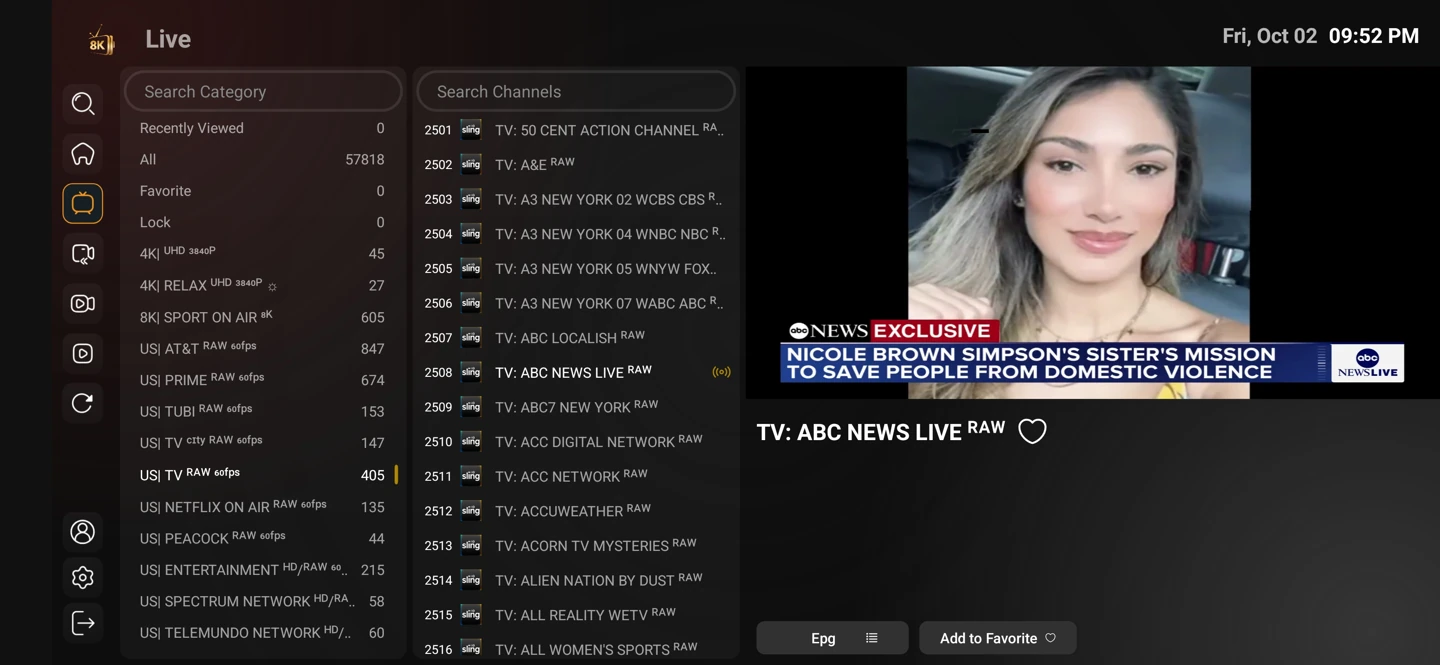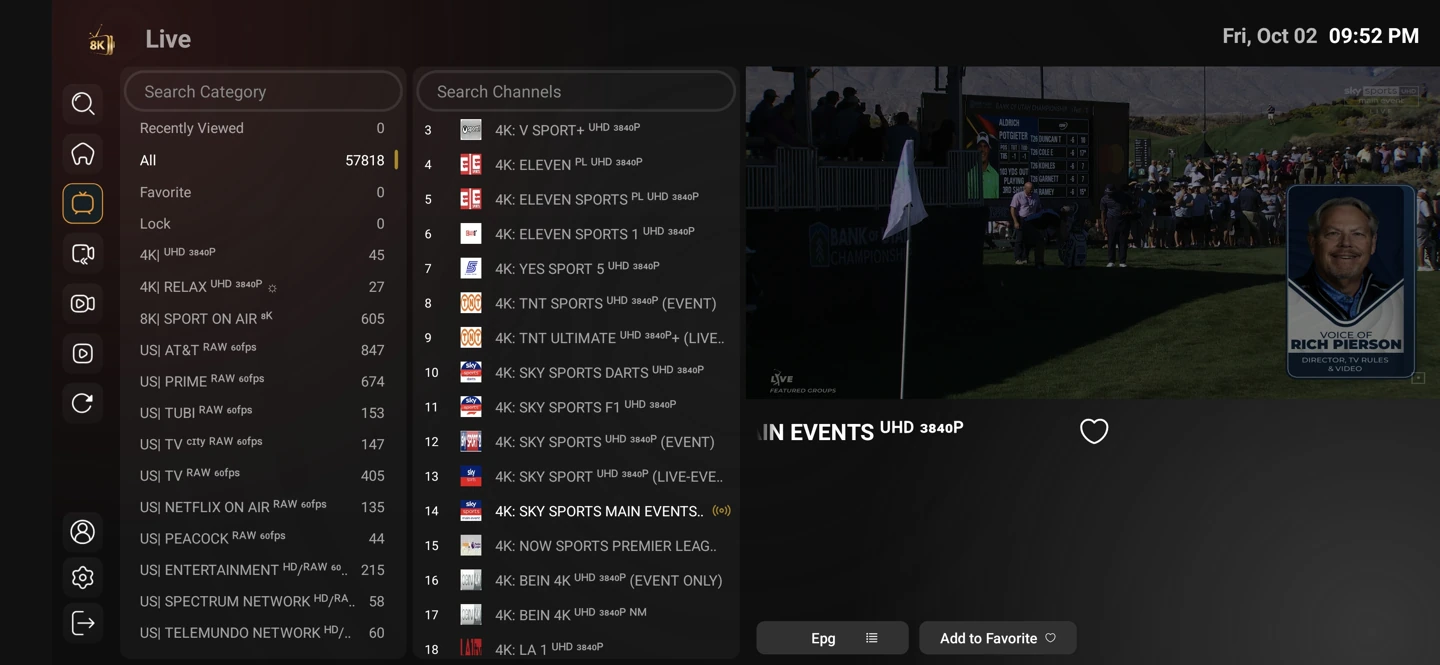
The guide describes the schedule
An electronic programme guide pairs a channel with programme times and descriptions. It can be missing or offset even when the underlying stream plays correctly.
A channel’s guide identifier and the timezone used by the player affect what appears on screen. Correcting the device clock is a sensible first step when several entries look consistently shifted.
A guide entry is not a recording
The presence of a programme in yesterday’s guide does not establish catch-up availability. Replay and catch-up depend on the service entry and the player’s supported function.
Settings and account behaviour vary by player and service entry. Use the matching setup guide for your device rather than applying instructions for a different operating system.
Start with the setup you will use
The one-day trial begins after you install a compatible player and contact WhatsApp support. Use your usual television or computer and internet connection.
Tell support what you are trying to achieve. A concise description of the screen, player and desired viewing is more useful than a list of unrelated settings.