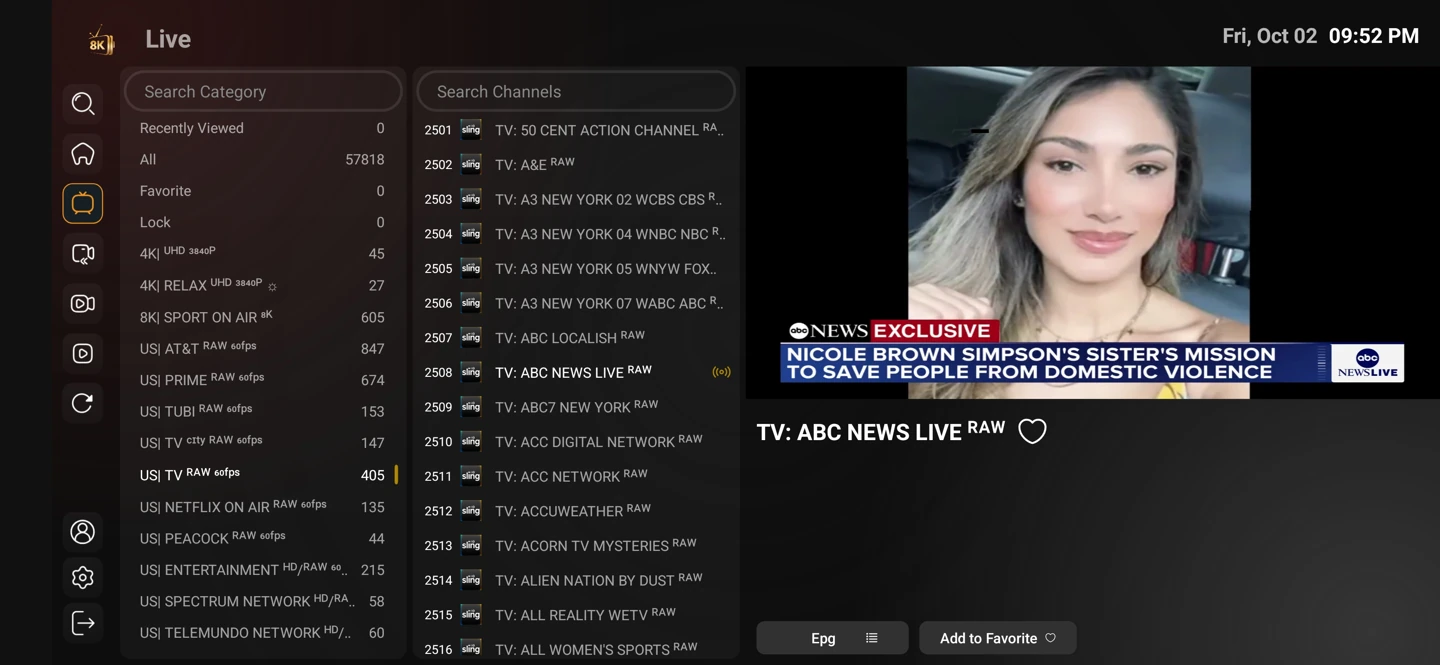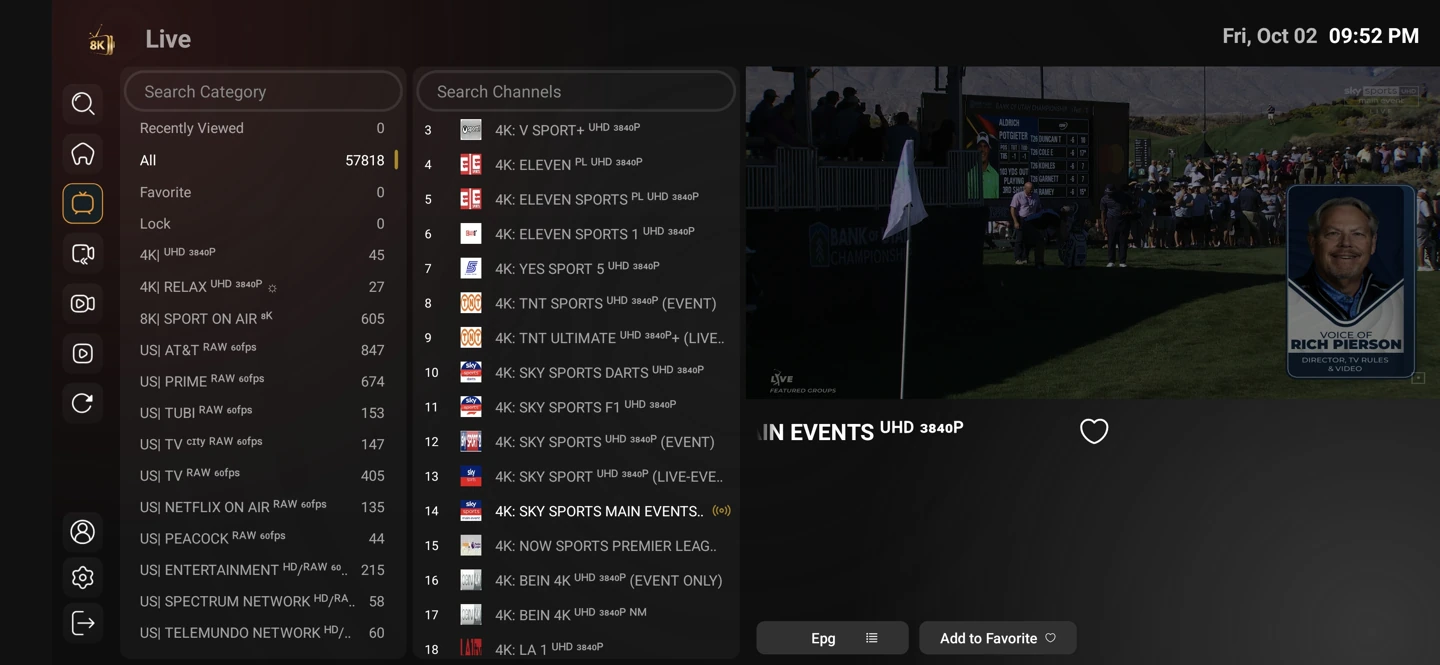
Live channels follow a schedule
Live television is useful for news, sport and programmes you want to follow as they air. The programme guide helps orient you, while the stream itself supplies the actual picture and sound.
A regional edition can differ from a national service. List the local news or language preferences that matter rather than judging a catalogue only by its total size.
Keep favourite channels close
Where the player supports favourites, keep a short list of the channels you actually return to. This makes everyday browsing easier than moving through a large category list.
Settings and account behaviour vary by player and service entry. Use the matching setup guide for your device rather than applying instructions for a different operating system.
Start with the setup you will use
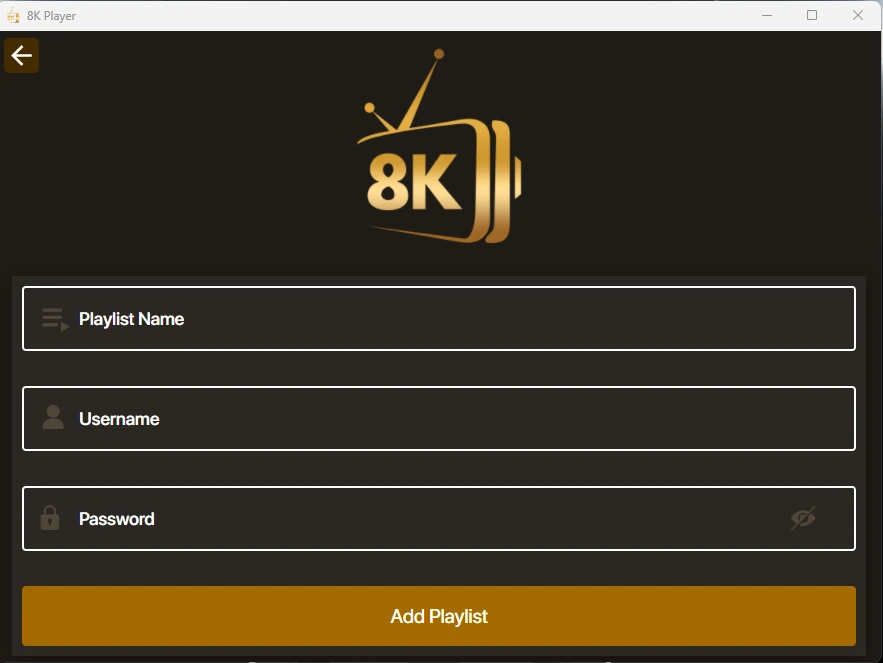
The one-day trial begins after you install a compatible player and contact WhatsApp support. Use your usual television or computer and internet connection.
Tell support what you are trying to achieve. A concise description of the screen, player and desired viewing is more useful than a list of unrelated settings.