Count active playback sessions
Connections describe simultaneous streams. A television, phone and tablet all playing at once use three sessions, even when they are in the same room. An installed app that is not playing is different.
The listed subscription terms provide one, two, three and four simultaneous connections for one, three, six and twelve months respectively. Compare the allowance with your normal household routine.
Moving between devices
Stop playback before switching if you are already at the connection limit. Avoid leaving a television playing in another room while testing a new device.
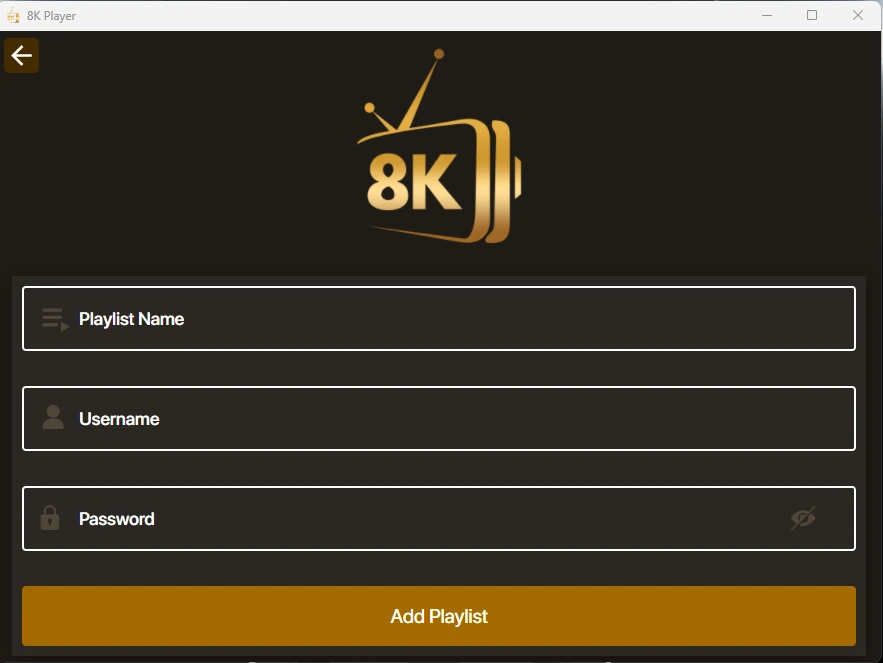
Settings and account behaviour vary by player and service entry. Use the matching setup guide for your device rather than applying instructions for a different operating system.
Start with the setup you will use
The one-day trial begins after you install a compatible player and contact WhatsApp support. Use your usual television or computer and internet connection.
Tell support what you are trying to achieve. A concise description of the screen, player and desired viewing is more useful than a list of unrelated settings.