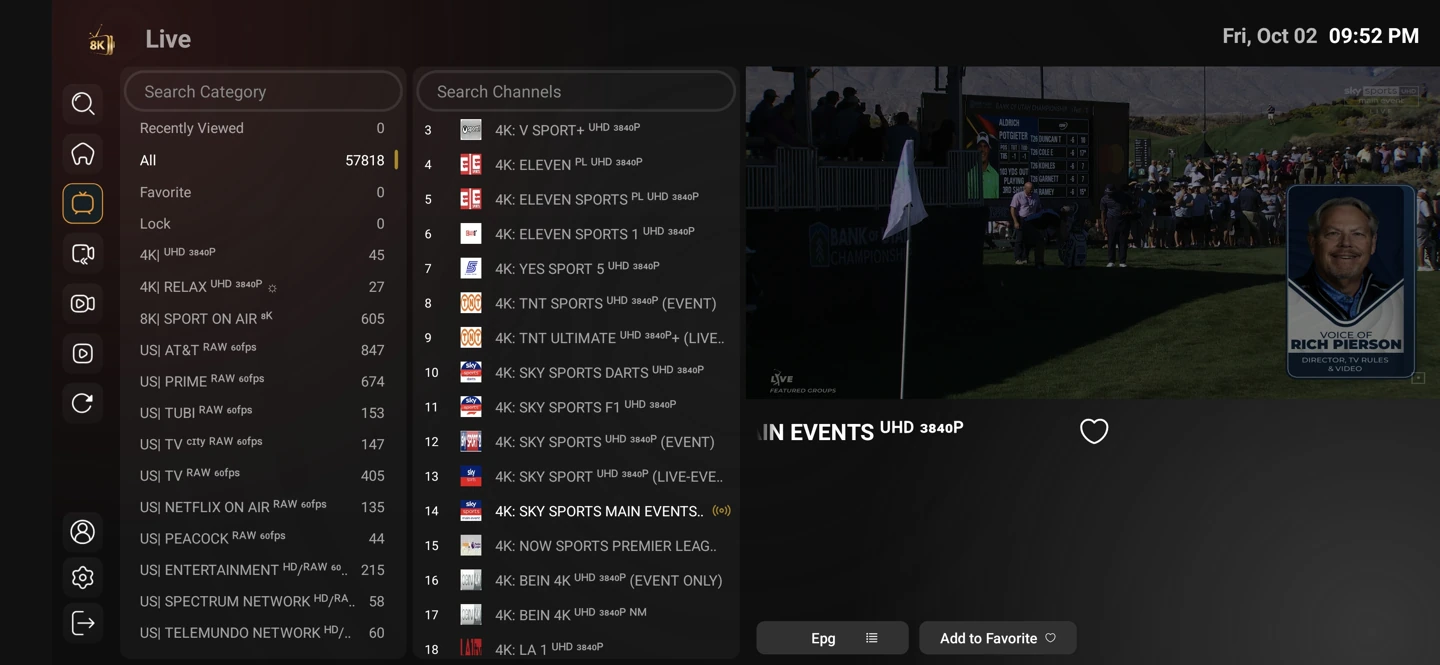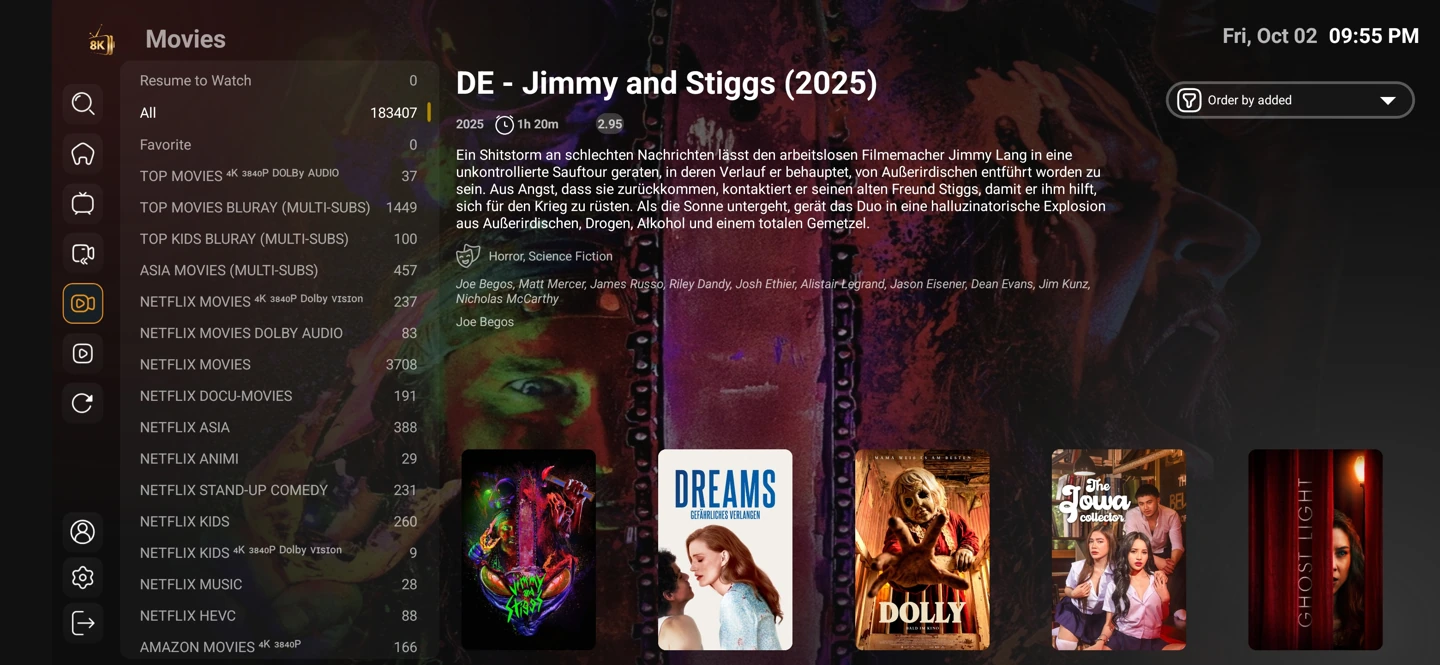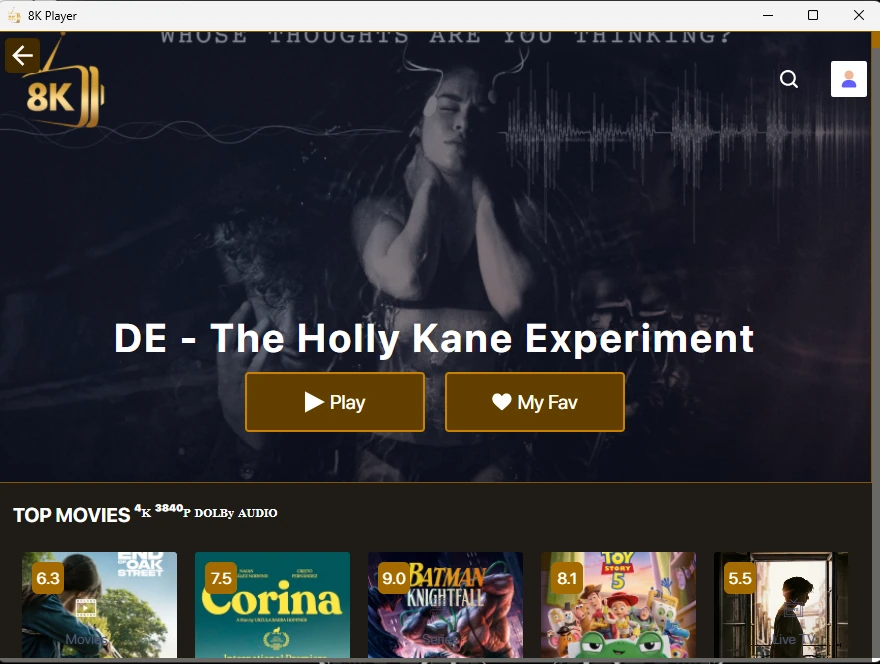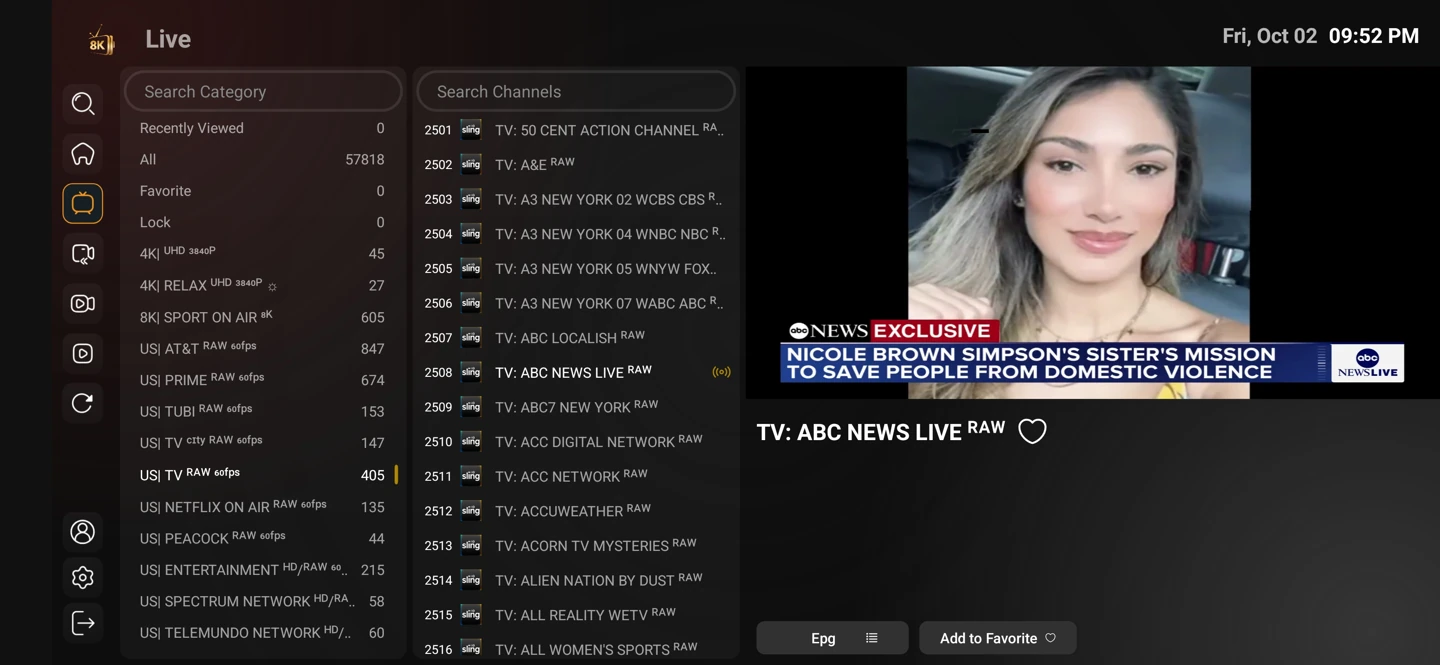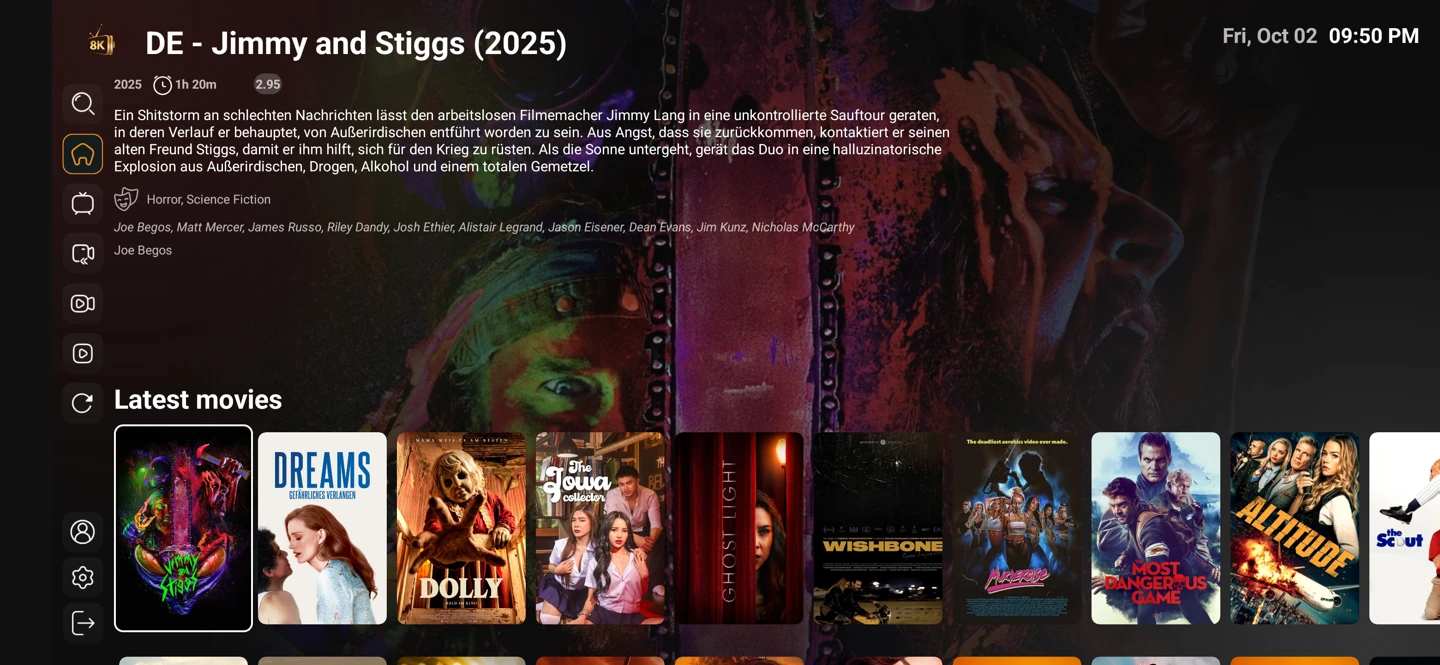
A player that fits the operating system
Start with the actual device, not just its shape. A television may use Android TV, Tizen, webOS or another system. An Android APK cannot be installed natively on all of them.
The app collection keeps each source download entry separate. VIP+, VIP, Plus and Prime have similar names but different codes. Match the name and the code before installation.
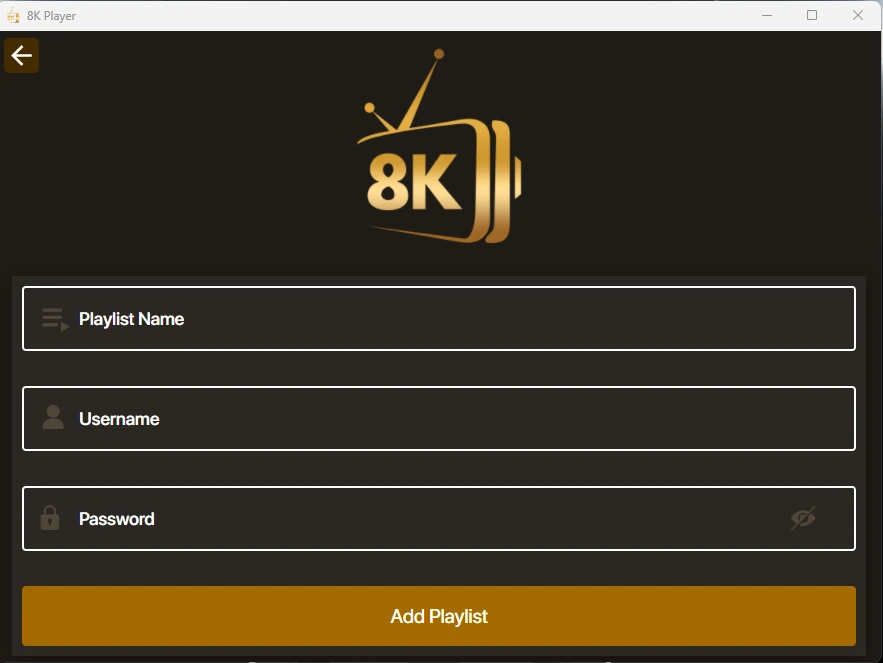
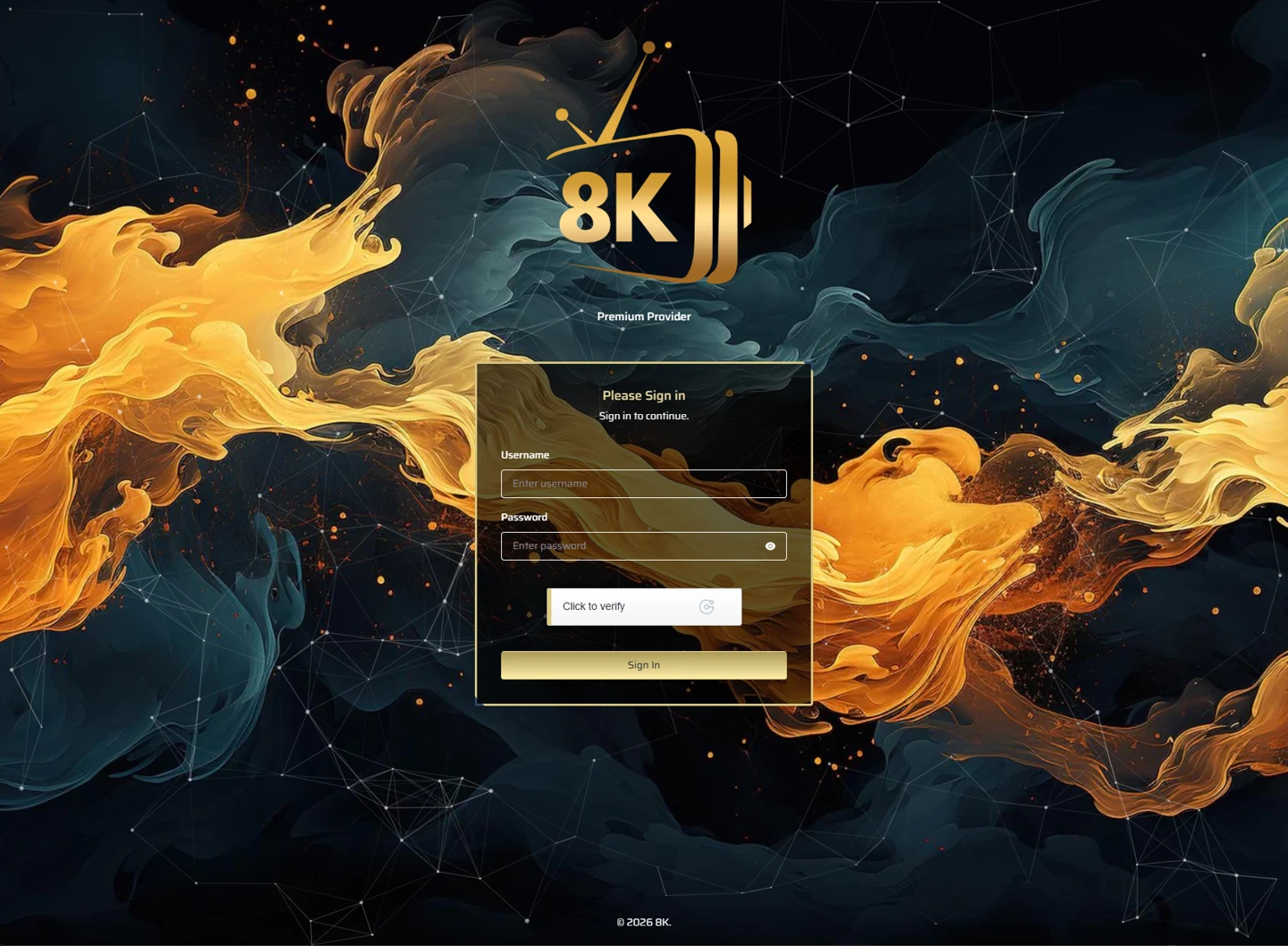
Choose the account format after installation
A player may use a server selector, Xtream-style fields, a playlist URL or a device activation route. Use the method supported by that player and assigned to the account.
Settings and account behaviour vary by player and service entry. Use the matching setup guide for your device rather than applying instructions for a different operating system.
Start with the setup you will use
The one-day trial begins after you install a compatible player and contact WhatsApp support. Use your usual television or computer and internet connection.
Tell support what you are trying to achieve. A concise description of the screen, player and desired viewing is more useful than a list of unrelated settings.