A useful support message saves time
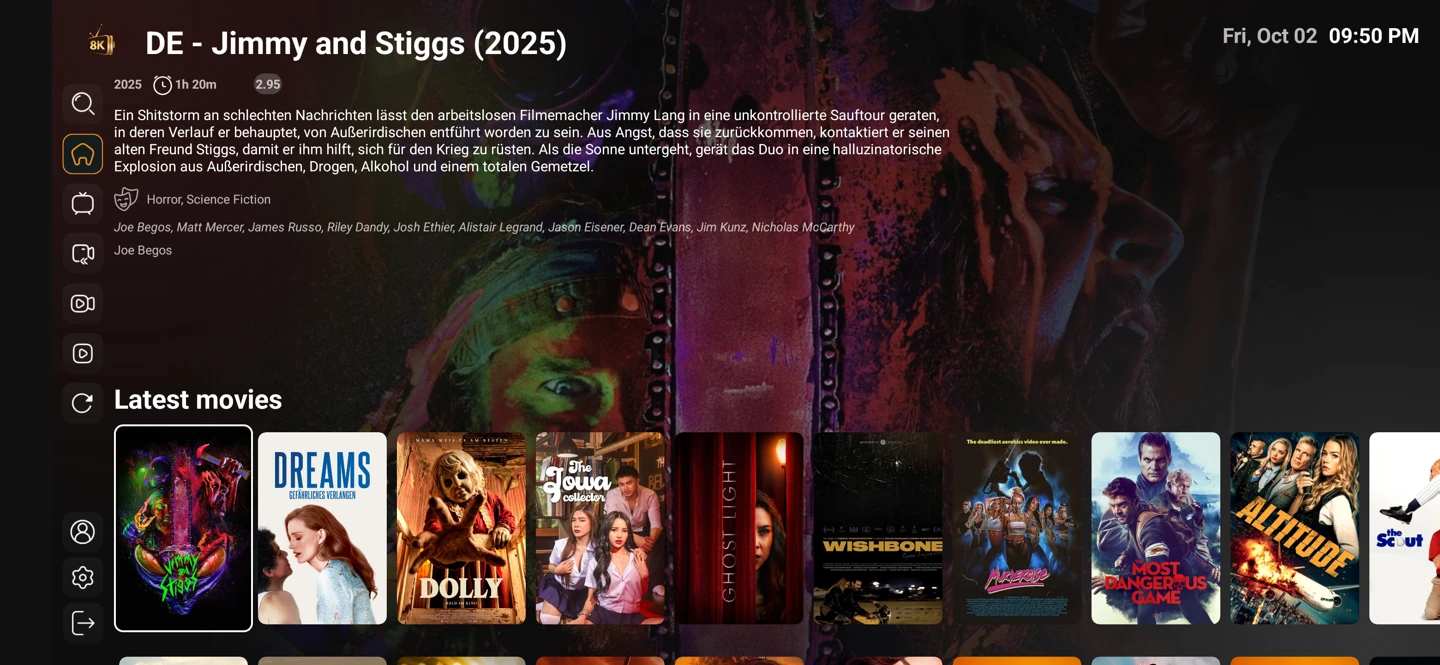
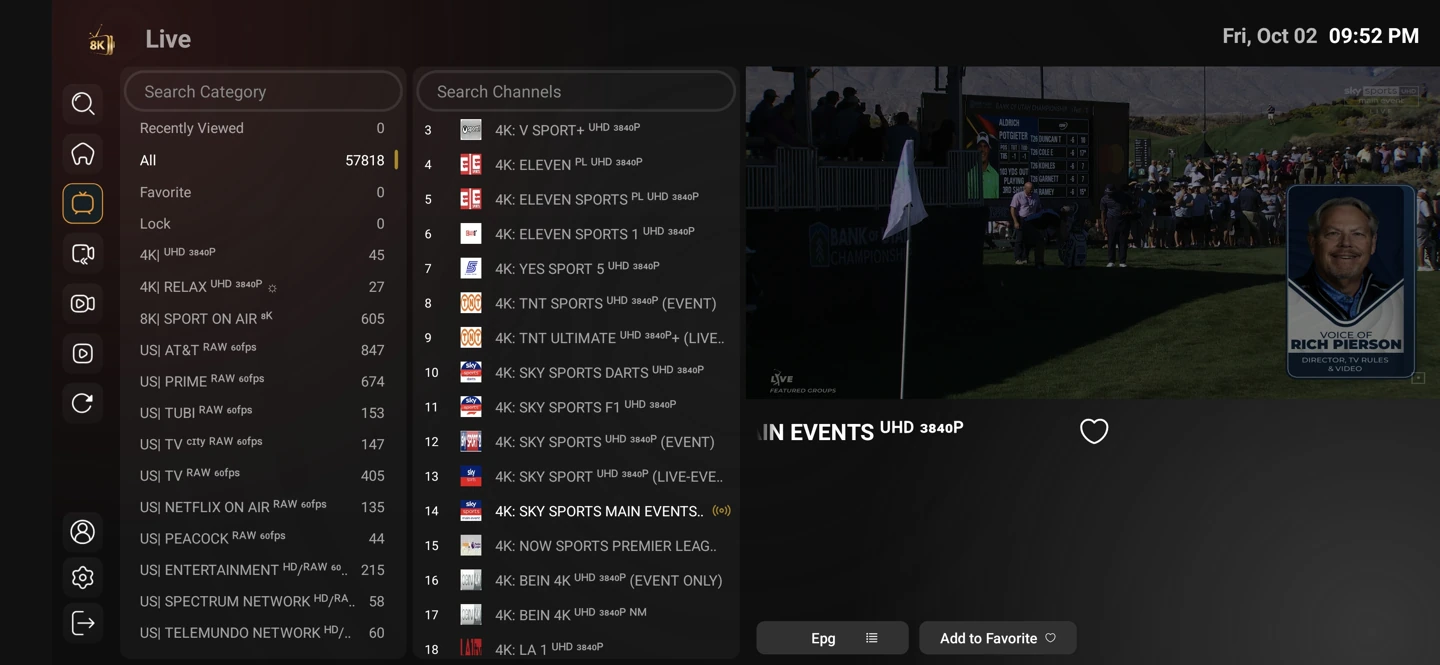
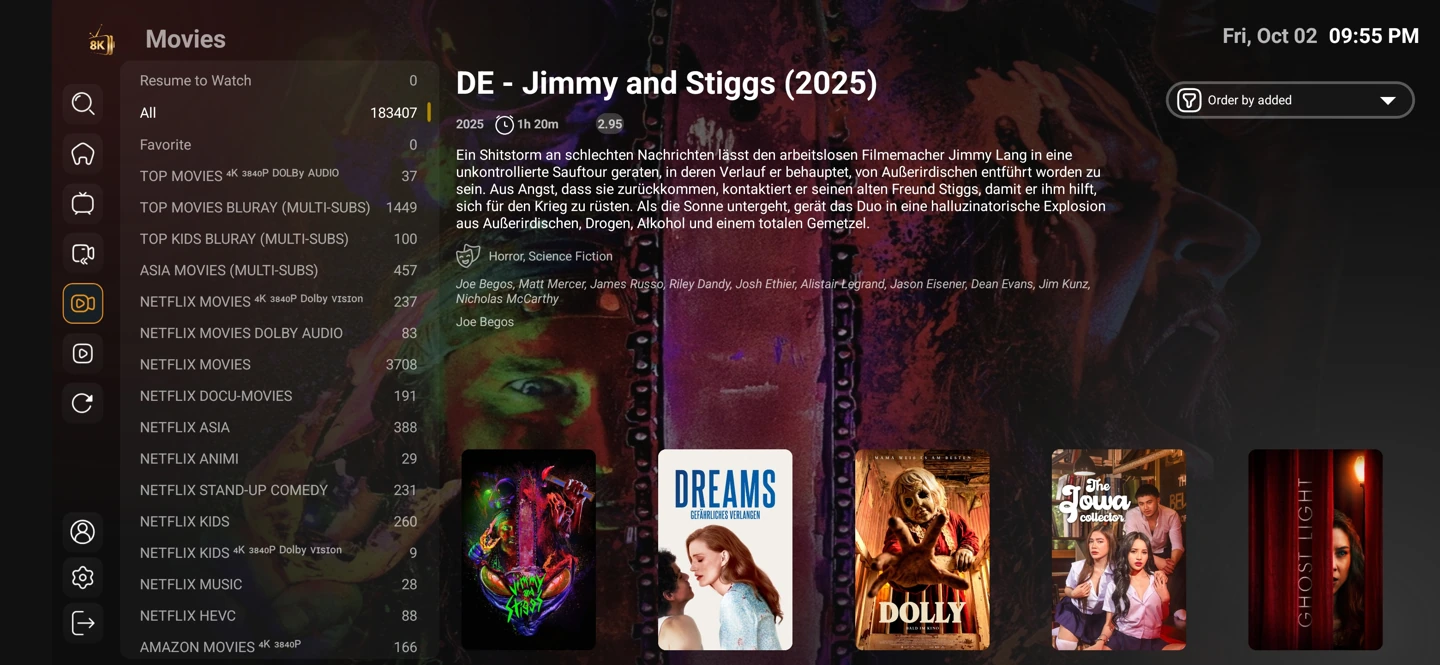
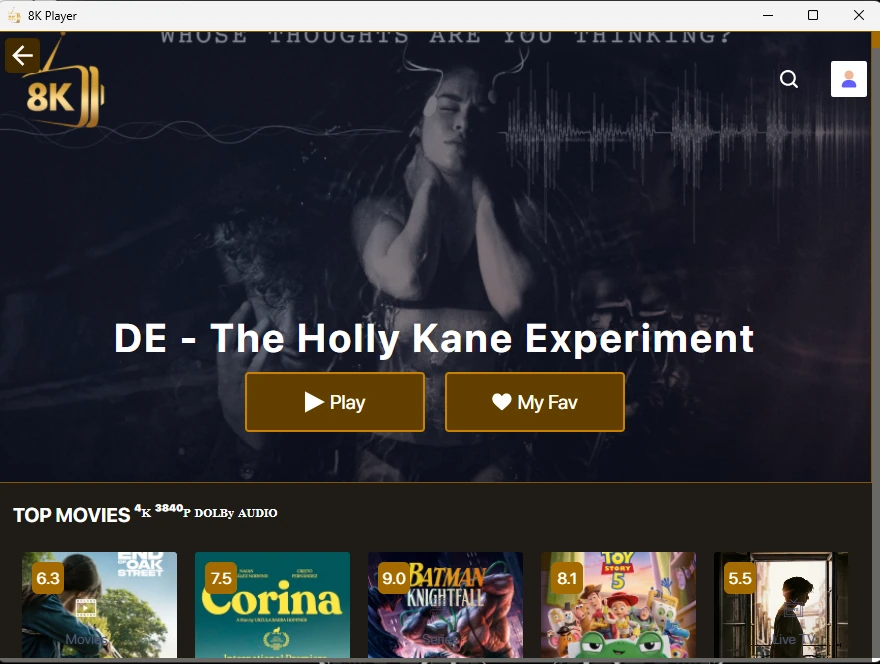
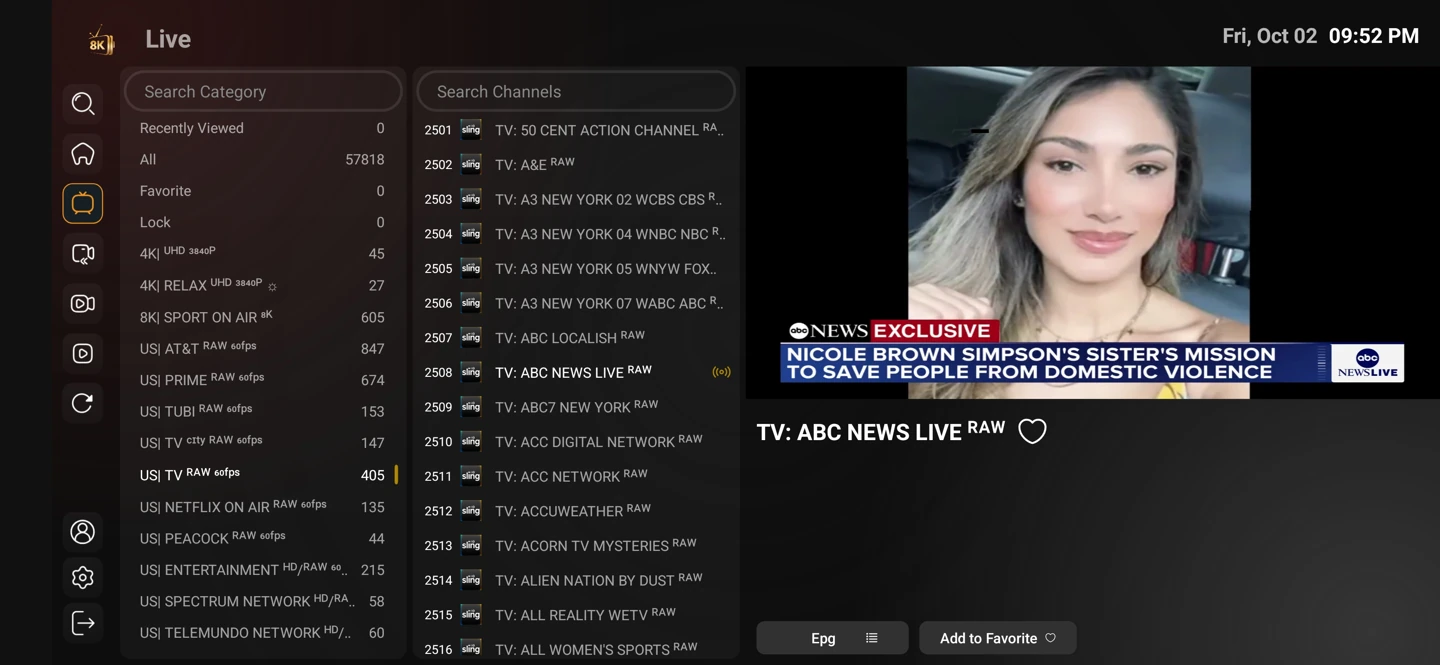
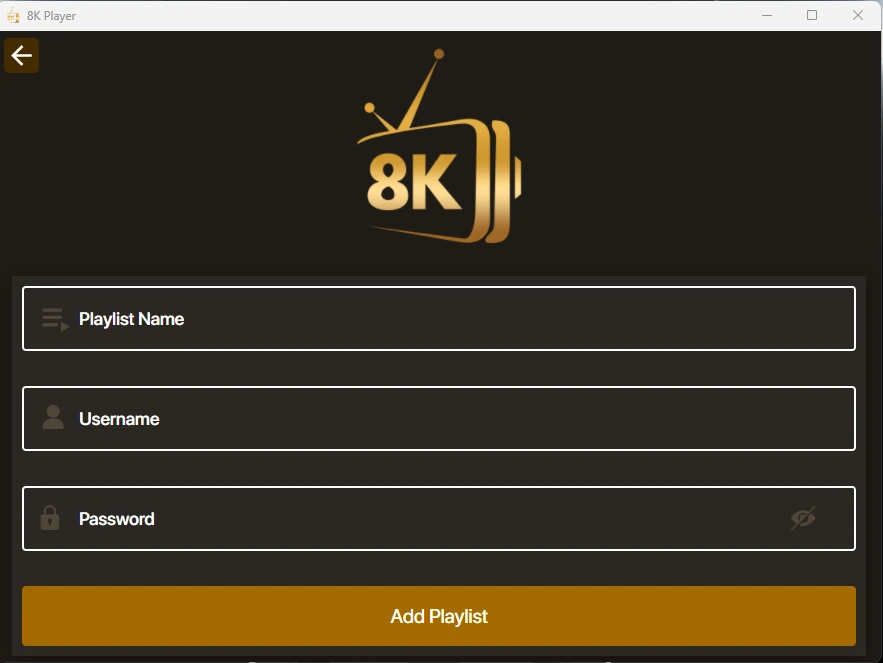
Include your device model, player name and the stage where the problem appears. Installation, login, category loading and playback are different stages with different causes.
Send a short description and a screenshot only when it helps. Remove passwords, full playlist addresses, QR codes and activation keys from public images.
One conversation with the right context
Keep the order or account reference in the private support thread. This lets a renewal or fault report be matched without creating a second account by mistake.
Settings and account behaviour vary by player and service entry. Use the matching setup guide for your device rather than applying instructions for a different operating system.
Start with the setup you will use
The one-day trial begins after you install a compatible player and contact WhatsApp support. Use your usual television or computer and internet connection.
Tell support what you are trying to achieve. A concise description of the screen, player and desired viewing is more useful than a list of unrelated settings.