Two ways to settle into a story
A film is usually a single catalogue entry. A series has seasons and episodes, sometimes with several editions or language versions. Those differences influence how you browse.
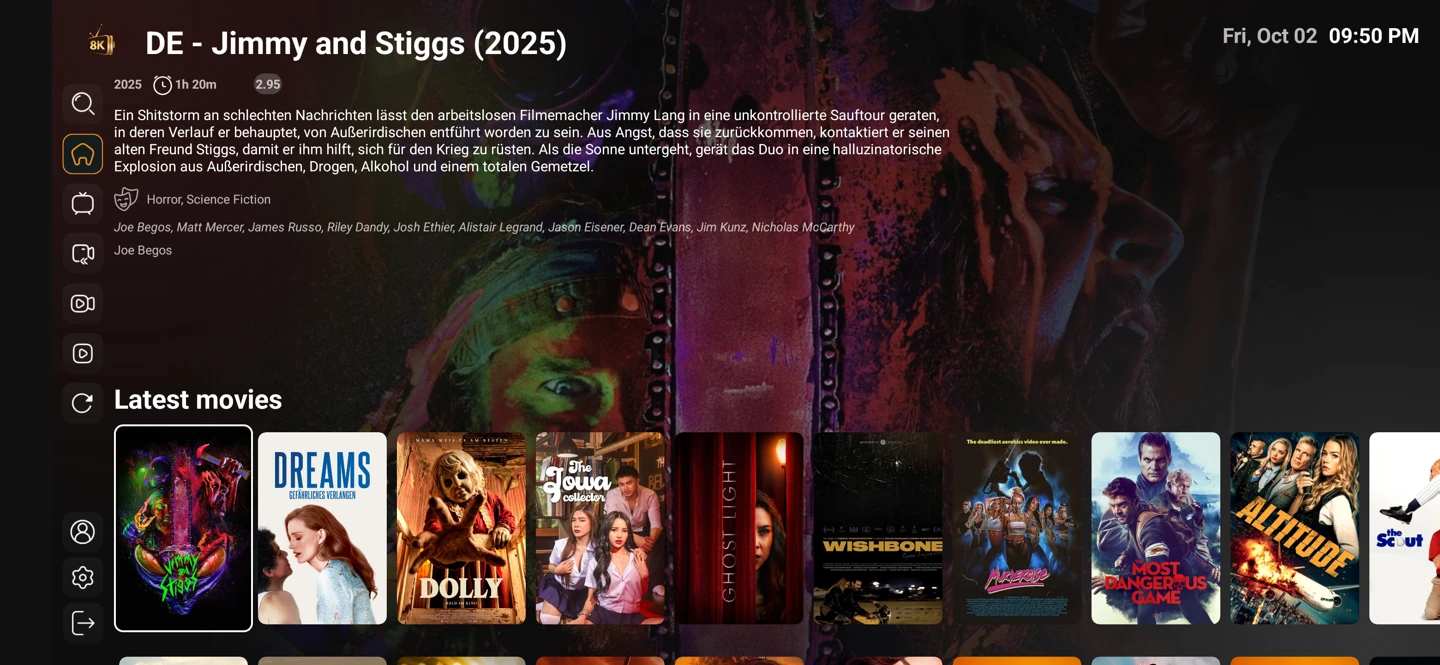
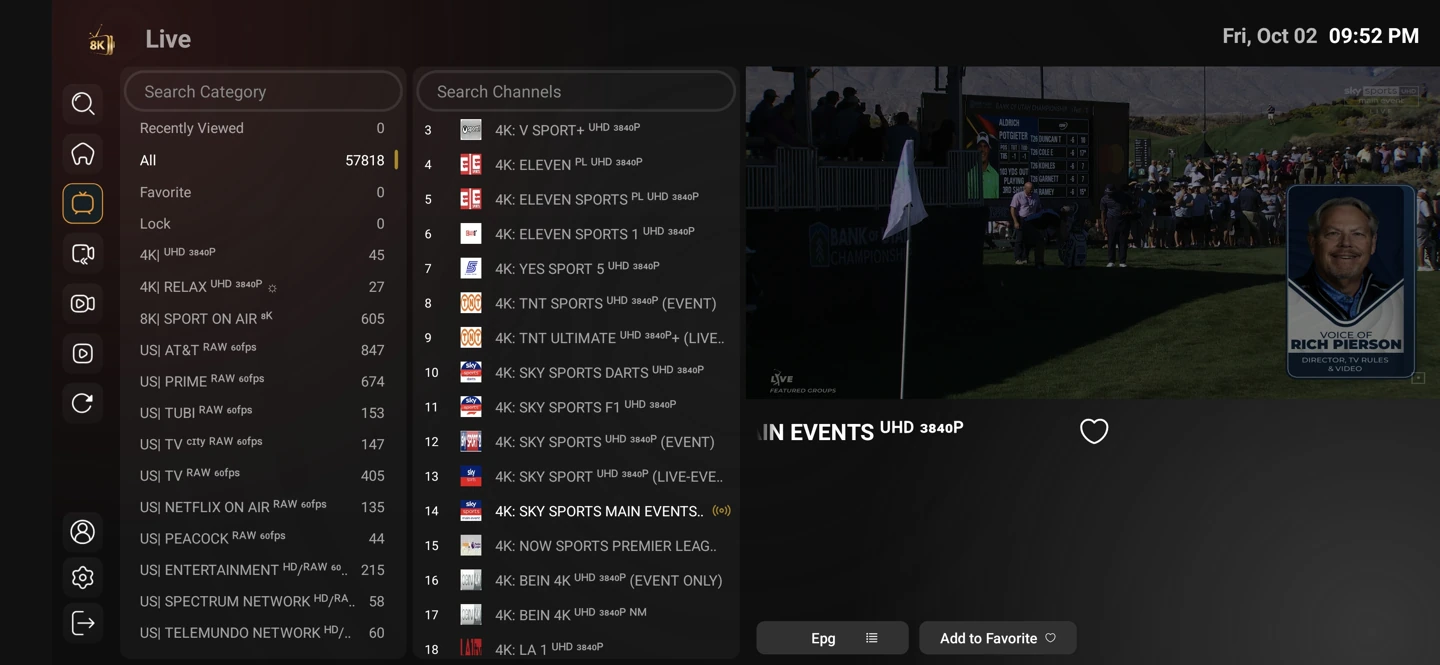
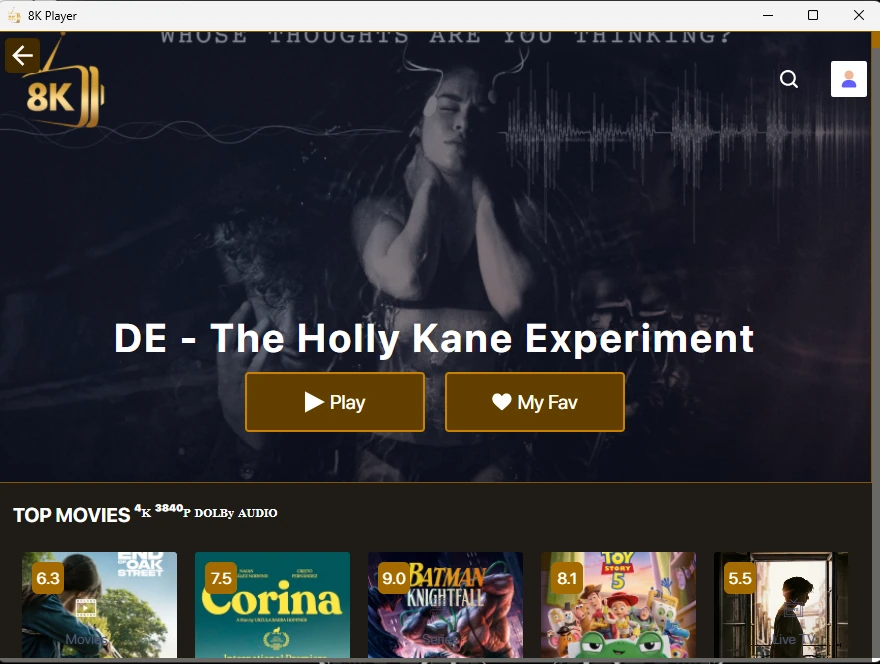
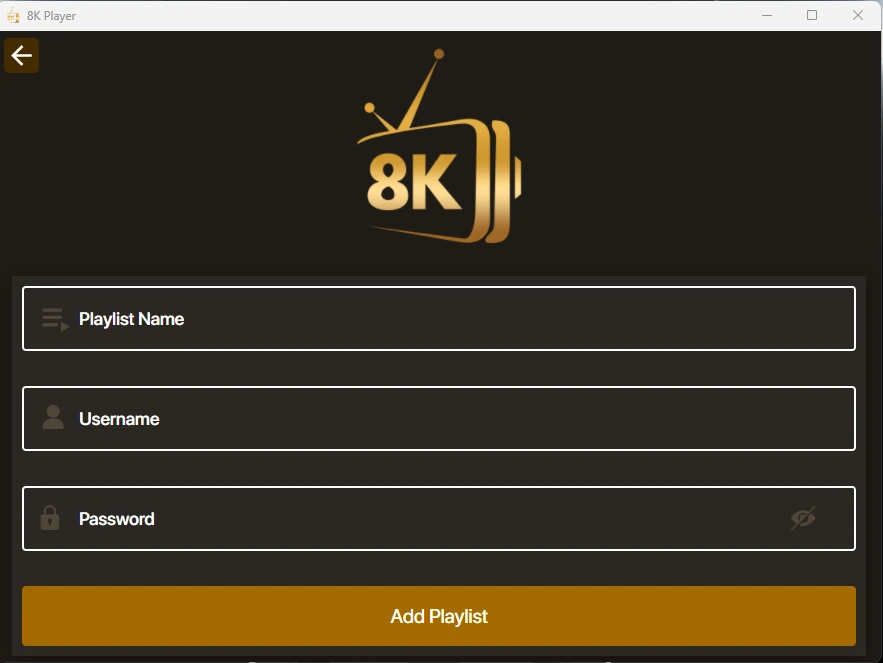
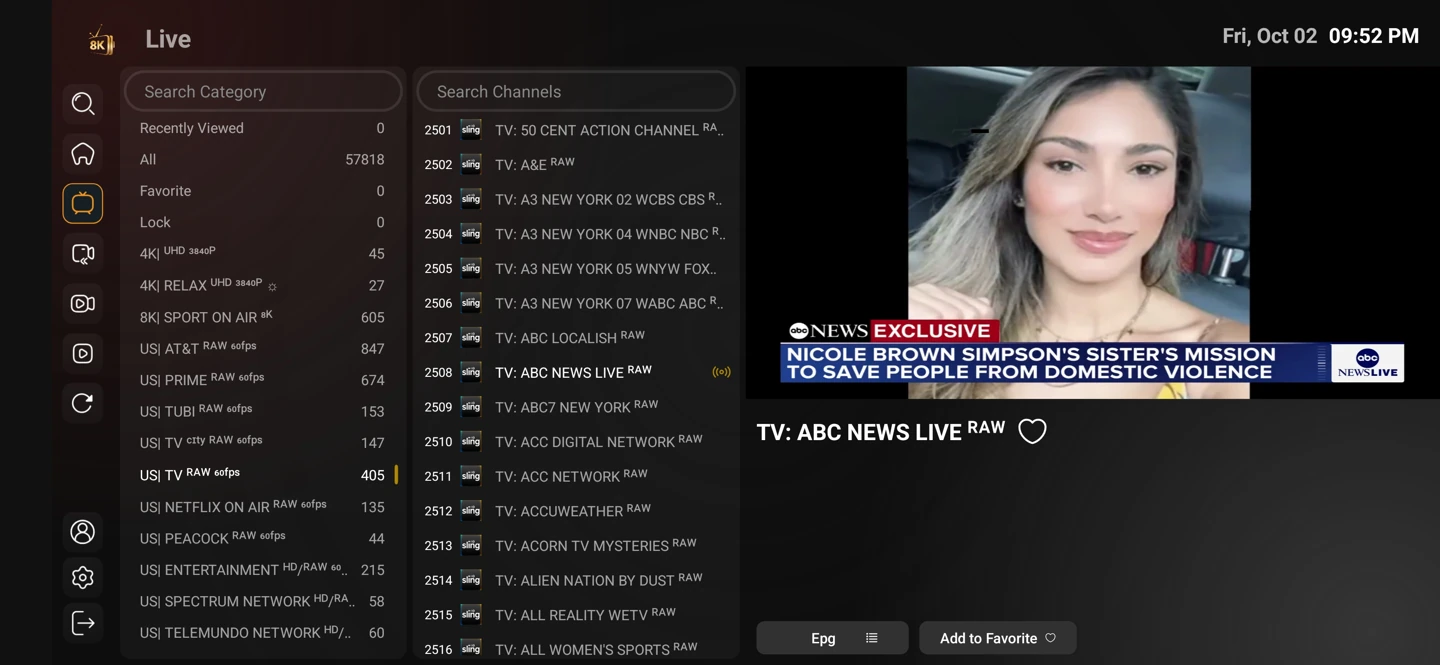
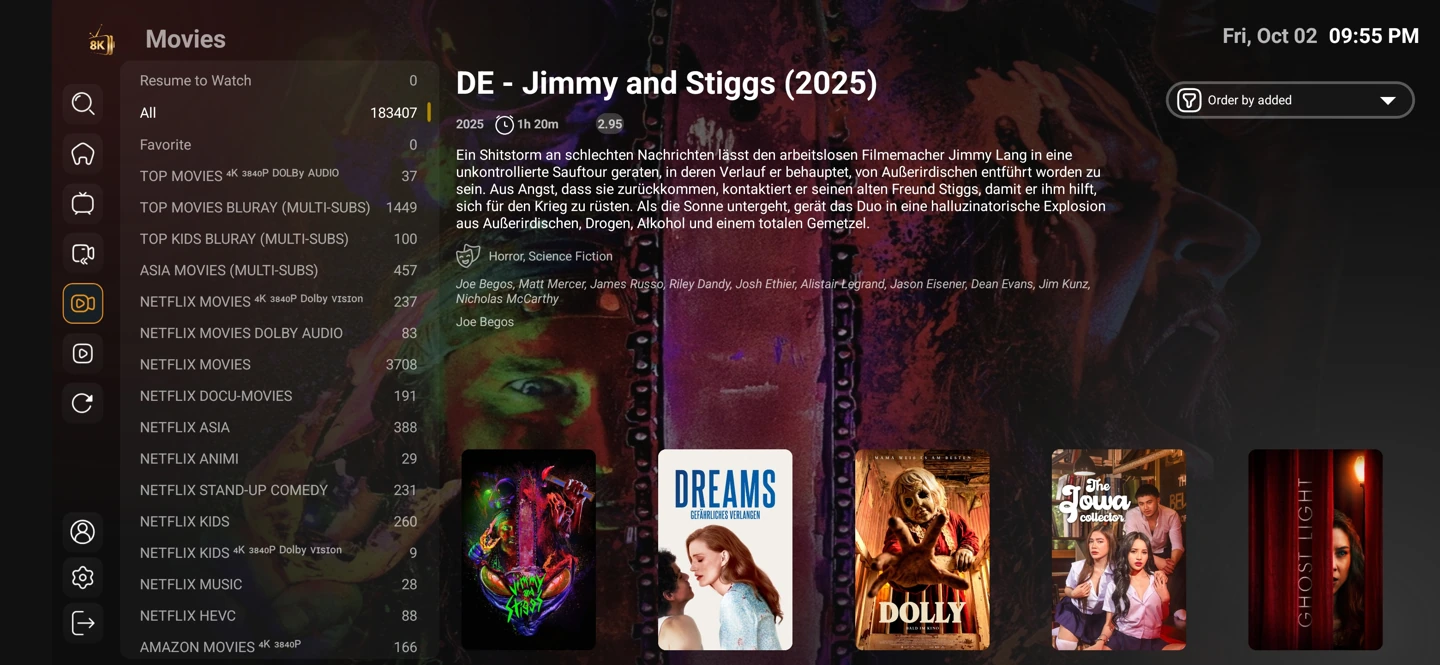
The real player screenshots show on-demand layouts. They illustrate the interface and supplied sample catalogue; they do not establish permanent availability of every visible title.
Make audio and subtitles comfortable
Choose the available audio and subtitle track that works for you. A catalogue language label does not guarantee every possible track, and a player setting cannot add a missing source track.
Settings and account behaviour vary by player and service entry. Use the matching setup guide for your device rather than applying instructions for a different operating system.
Start with the setup you will use
The one-day trial begins after you install a compatible player and contact WhatsApp support. Use your usual television or computer and internet connection.
Tell support what you are trying to achieve. A concise description of the screen, player and desired viewing is more useful than a list of unrelated settings.